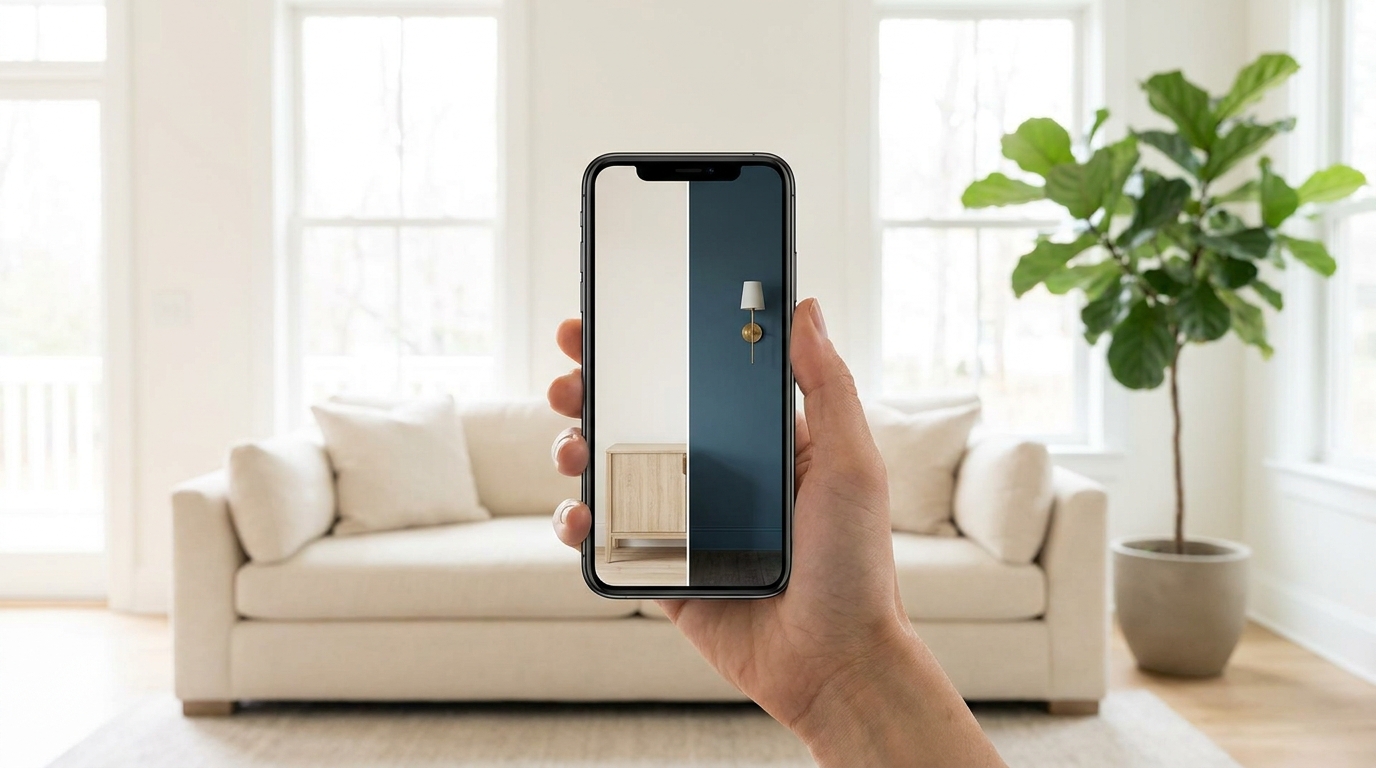
If you've already decided on Benjamin Moore, use Color Portfolio. It's free and it's made by the people who mix the paint. If you're still choosing between Benjamin Moore and other brands, and want to see them on a photo of your own room, that's what Muro is for.
Quick note on who's writing. I built Muro, so this is the maker's view, not a neutral review. I've tested Muro myself. I haven't tested Color Portfolio, so everything I say about it comes from Benjamin Moore's own App Store listing, checked on September 28, 2026.
Side by side
| Muro | Benjamin Moore Color Portfolio | |
|---|---|---|
| Price | Subscription | Free |
| Colors | 51,362 from 34 brands plus RAL Classic | 3,500+, Benjamin Moore only |
| Photo of your room | Yes | Yes (Photo Visualizer, tap a surface to mask it) |
| Live camera (AR) | No | Yes (Video Visualizer) |
| Compare brands on one photo | Yes | No |
| Many colors at once | Up to 12 on the same wall | — |
| Time of day | Day, sunset, night, lamps on or off | — |
| Match a color | From a photo, closest match in each brand | With the ColorReader device, sold separately |
| Devices | iPhone, iPad | iPhone, iPad |
| App Store rating (US) | — | 4.5 from about 11,600 ratings |
A dash means the listing doesn't mention it, not that the app can't do it.
What Color Portfolio offers
According to its listing, you get a virtual fan deck with Benjamin Moore's collections (Color Preview, Classics, Affinity, Historical Collection, Off-Whites and Designer Classics), a Photo Visualizer where you tap a surface in your photo to try a color, and a Video Visualizer that uses augmented reality to put color on surfaces through your camera in real time. If you buy Benjamin Moore's ColorReader device from Datacolor, the app can match real-world colors to their library.
It's free and around 11,600 people have rated it 4.5 in the US App Store. If you're a Benjamin Moore household, that's a lot for nothing.
When Muro makes more sense
You're comparing Benjamin Moore with other brands
Say you're weighing Benjamin Moore Palladian Blue against Sherwin-Williams Sea Salt. With brand apps, that's two apps, two photos and two different ways of showing color. In Muro both are in the same catalog, so you put them on the same photo of the same wall and look at them next to each other.
You want to see your room's light
When Muro repaints a wall, it keeps the light, shadows and furniture from your photo. Then you can check the same color by day, at sunset and at night, with the lamps on or off. Paint shifts a lot with light, and that's often what settles it.
You have a long shortlist
You can put up to 12 colors on one wall in one go and compare the results side by side. You can also give different walls different colors.
You found a color in a photo
Show Muro a photo of a color you like and it finds the closest match in each brand, no extra device needed.
What Muro doesn't do
It's a subscription with a monthly allowance of color changes and no free trial, so you pay before you try it. There's no Android version and no live camera mode. It's built for interior walls.
A sensible way to use both
Browse Benjamin Moore's collections in Color Portfolio for free and pick your favorites. If you want to check them against other brands, or see them in your room's light at different times of day, put them in Muro. Either way, paint a real sample on the wall before you buy gallons.