See the color on your wall first
Snap a photo of your room and pick a color from the brands at your paint store. Muro paints it onto your actual walls, in your own light, and tells you exactly which paint to ask for.
Runs in the browser on your phone or computer, no download. Prefer an app? It’s on iPhone and iPad too (iOS 18.4+), same account.From a photo of your wall to the paint counter
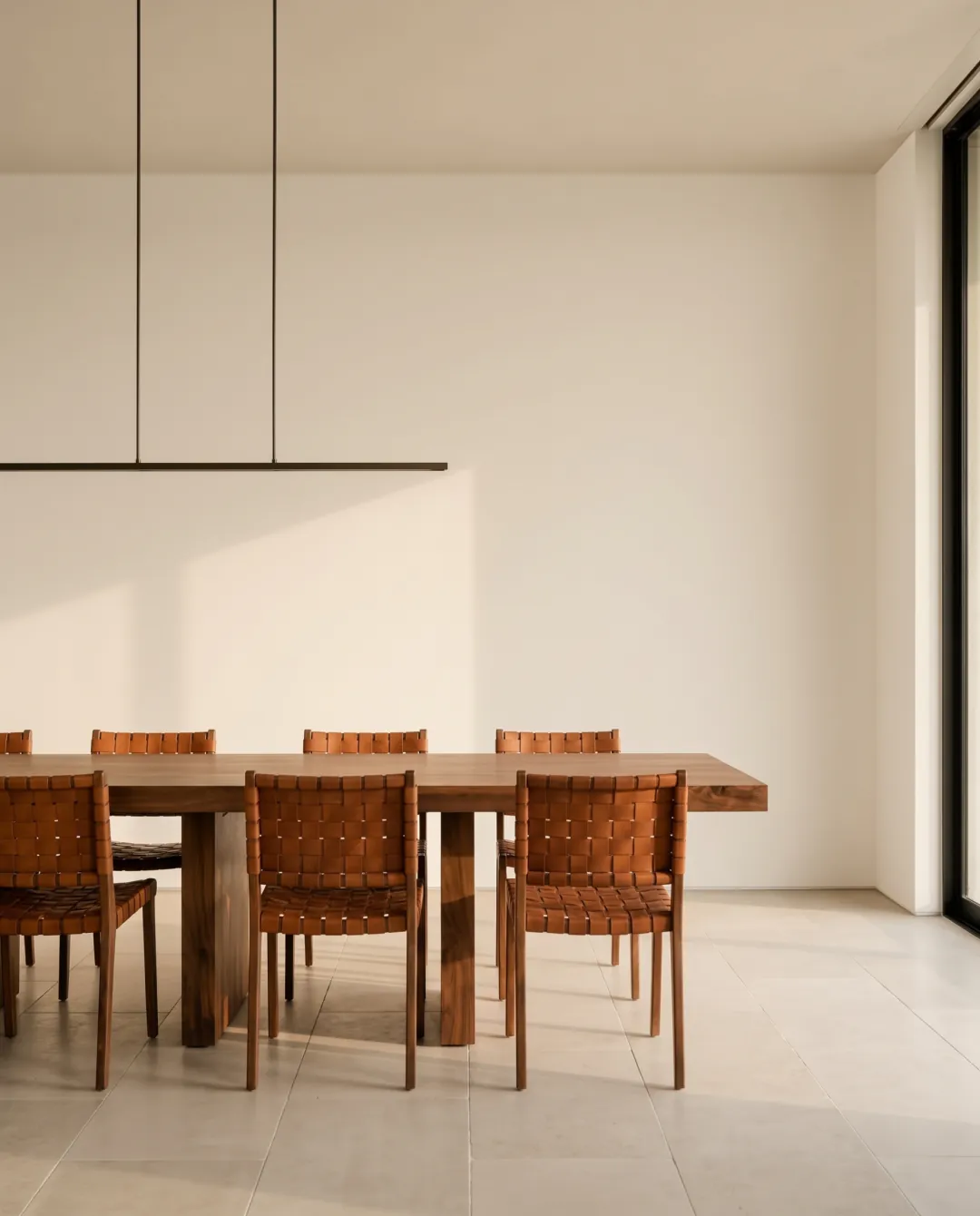
Take a photo of the room
Daylight, lamplight, half-taped for painting. Any photo works, and the light you shoot in is the light you’ll see the color in.
Pick your colors
Browse the fan decks your store carries, type in a color code, or start from a photo you saved.
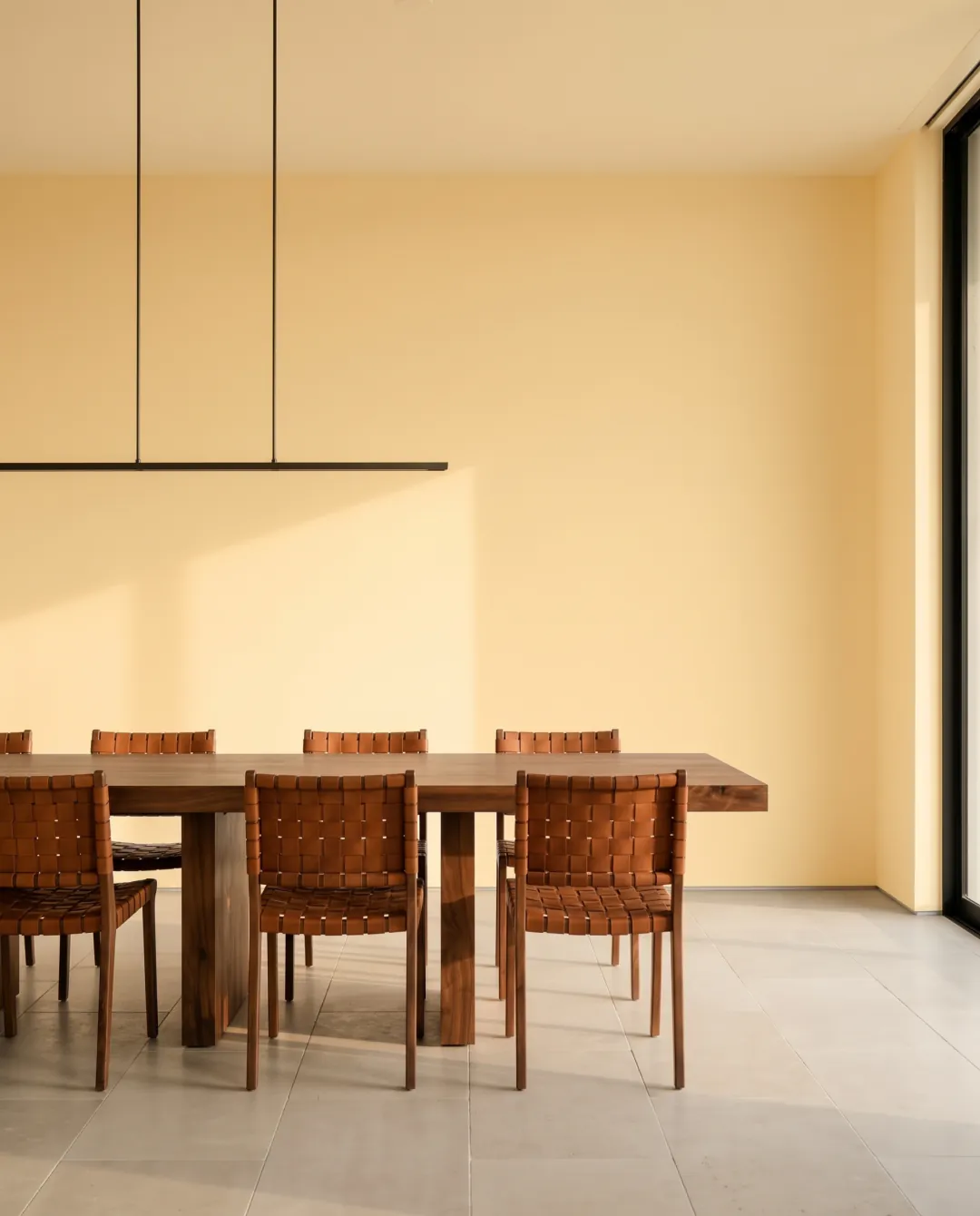
See your wall in the new color
Drag the slider to compare before and after, swipe to try the next color. When one feels right, you have the code for the store.
paint colors from real brands, each with the code you give the store.
Set your country and your local brands show up first. In the US that’s Sherwin-Williams, Benjamin Moore, Behr, PPG and Valspar.
Narrow it down: twelve colors in about twenty seconds
Stuck between grays? Send up to 12 colors at once and line them up side by side on your own wall.
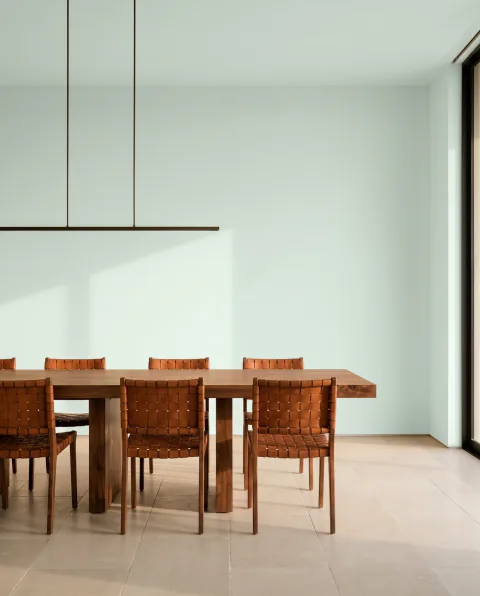
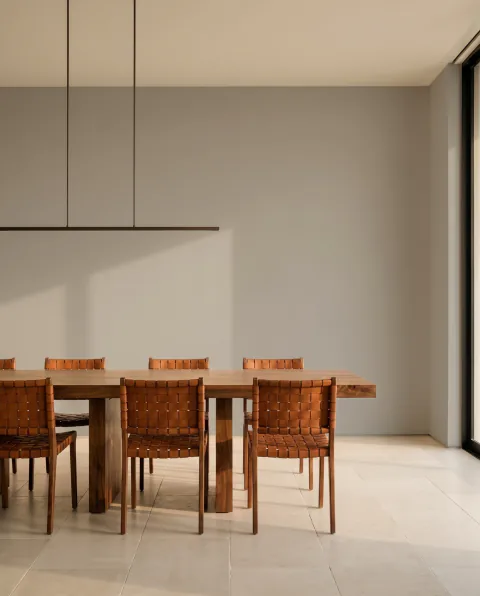
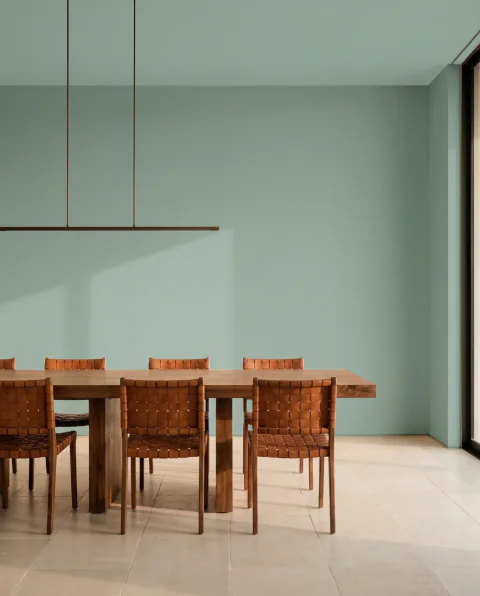
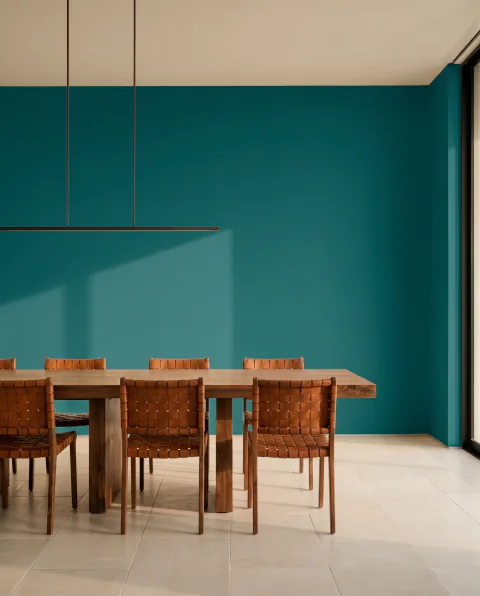
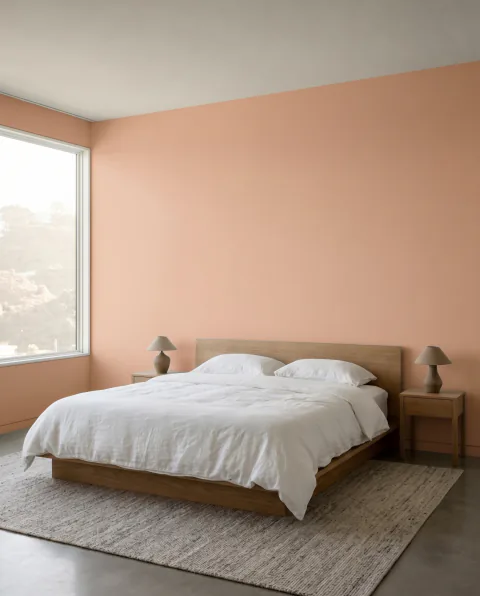
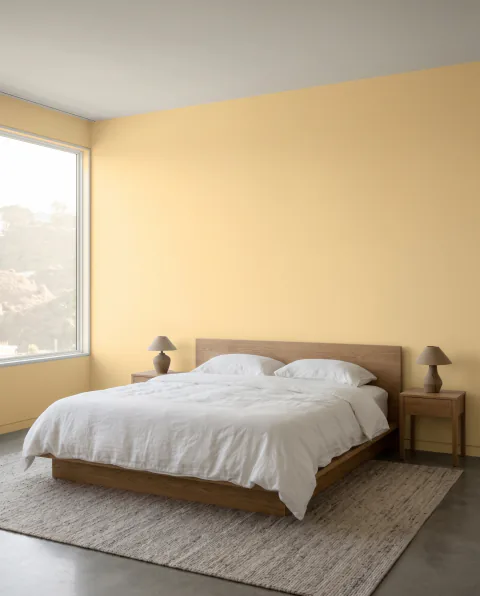
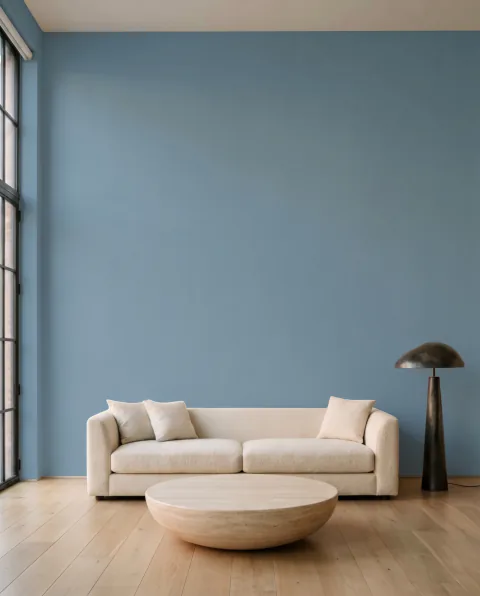
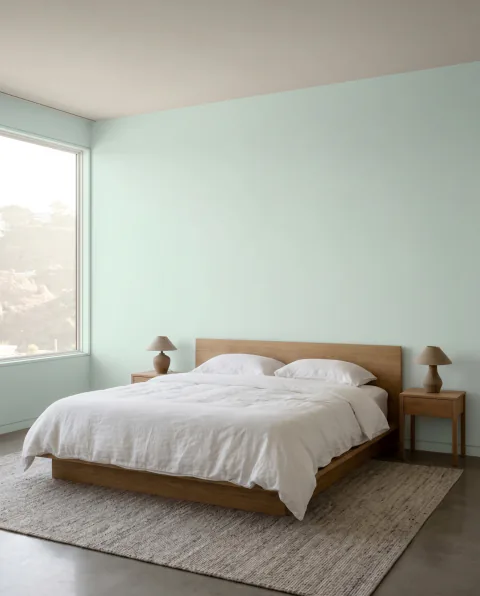
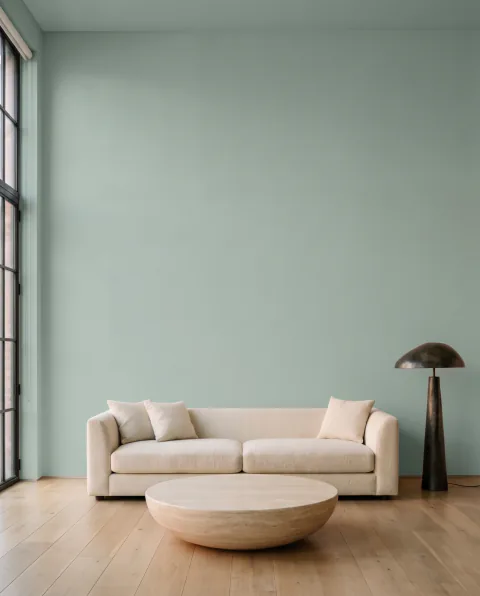
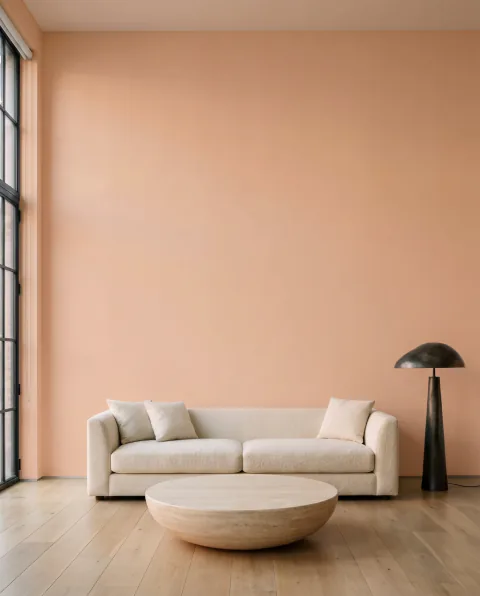
Check it at noon, at dusk and at night
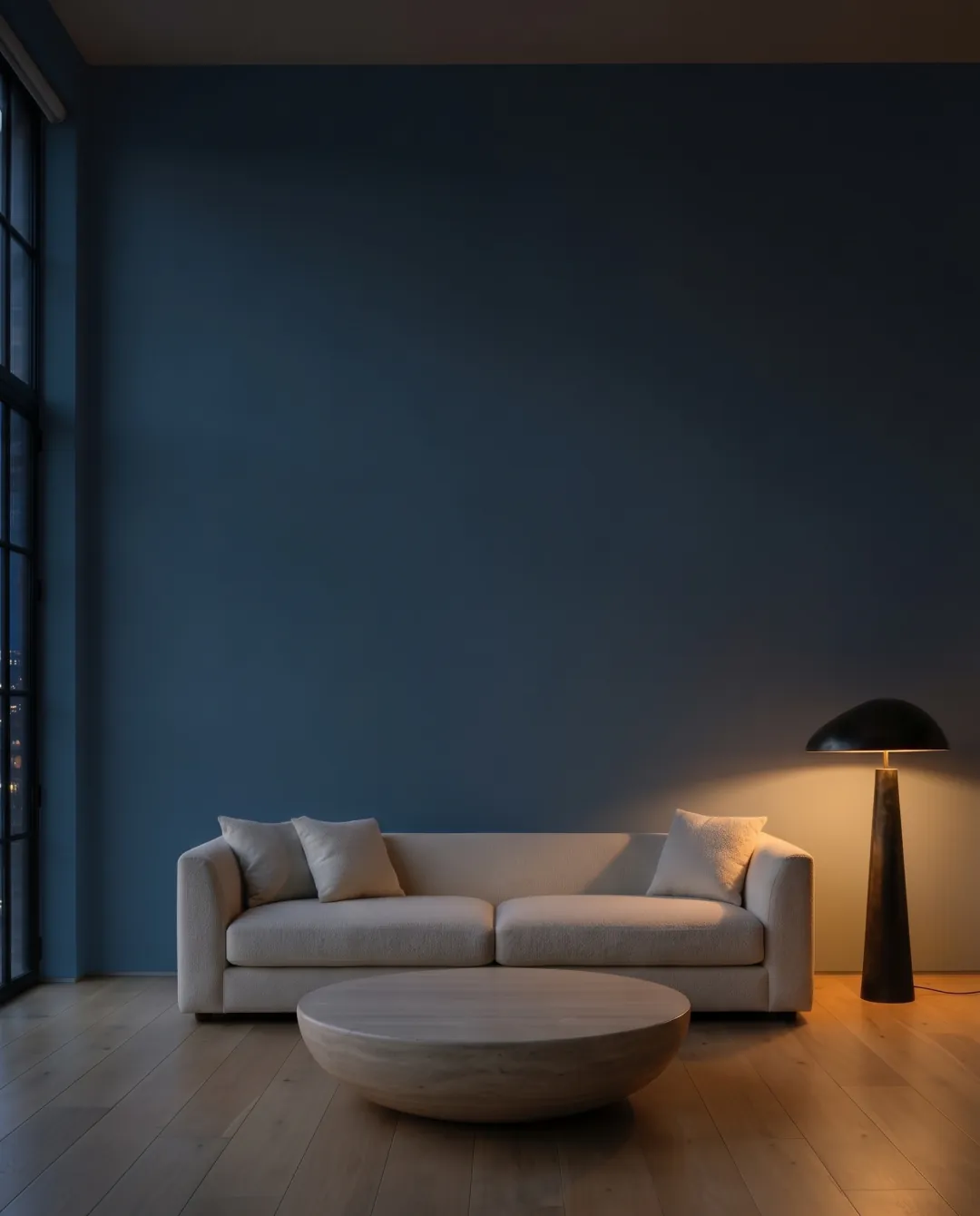
A color that looks great at noon can turn muddy under a lamp. Muro shows your wall in daylight, evening light and at night, so you aren’t surprised after the second coat.
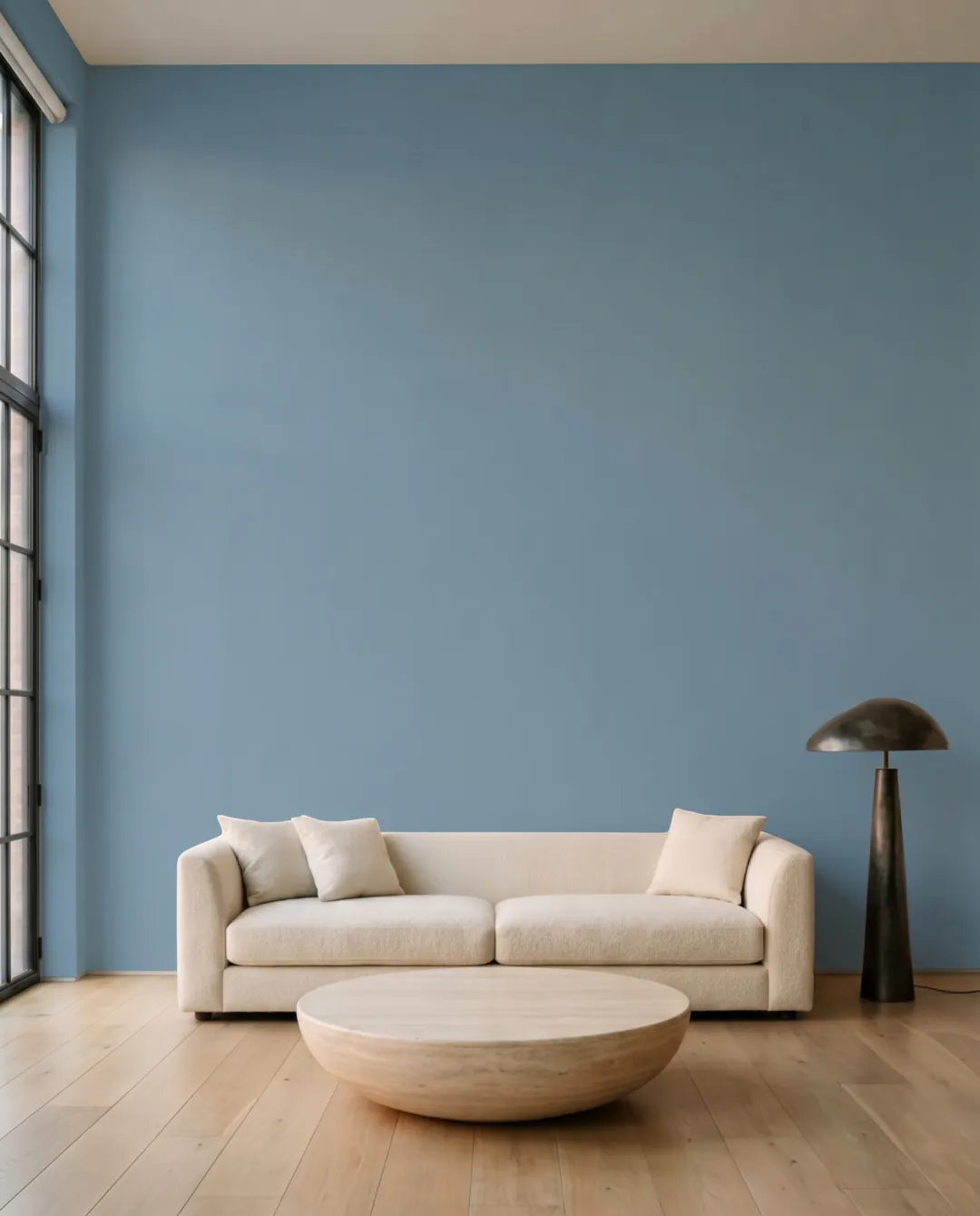
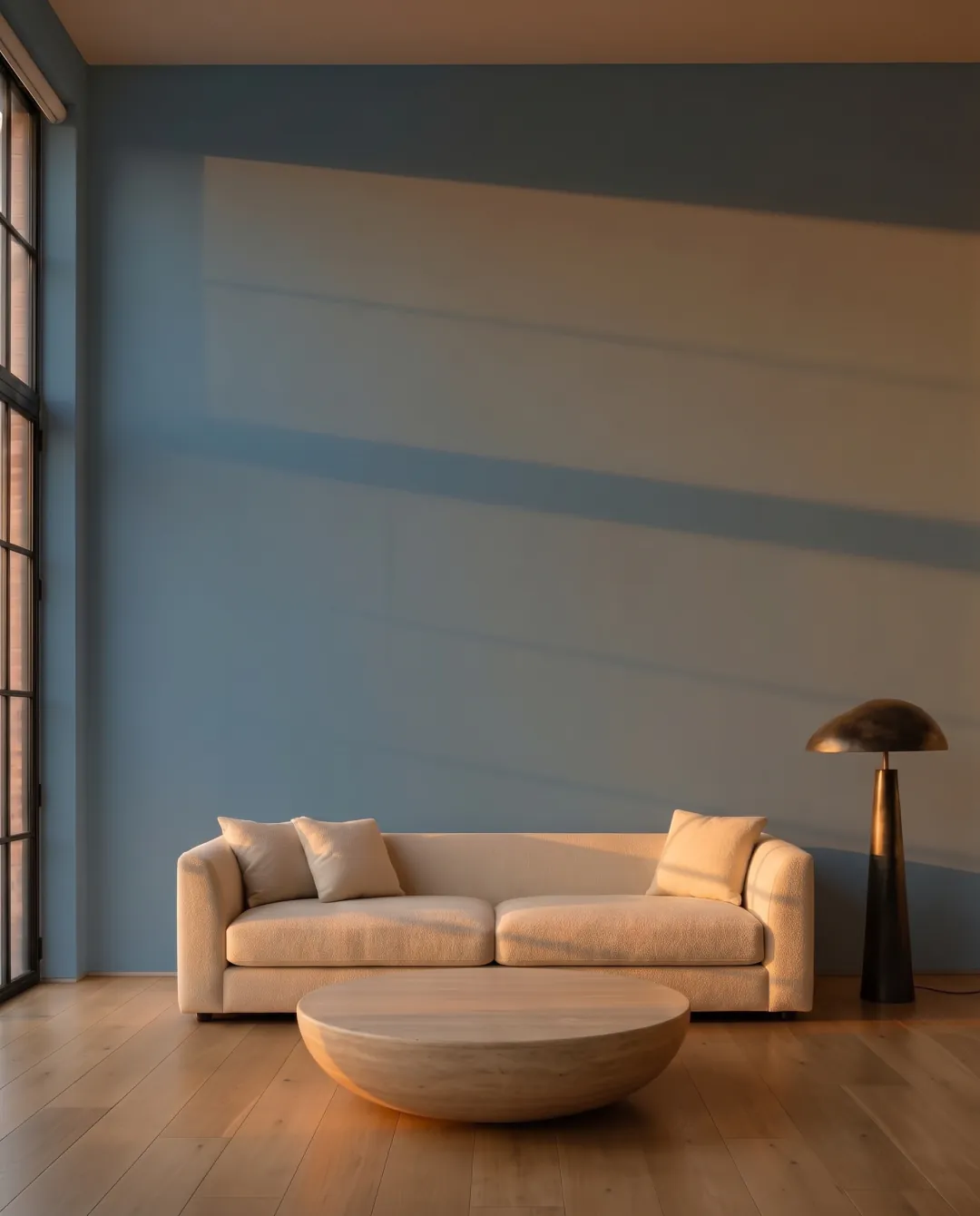
Who it’s for
Muro next to the other paint apps
Brand apps show one maker’s colors. Free AR apps drop a flat filter over the camera. Here is where the three differ.
| Feature | Muro | Brand apps | Free AR apps |
|---|---|---|---|
| Paint colors | 51,362 | 1,000 to 3,500, one brand | Varies |
| Manufacturers | 34 plus RAL Classic | One, by design | One to five |
| How it renders | Image model, photoreal | Flat color overlay | Flat AR filter |
| Keeps light and shadow | Yes | No | No |
| Batch of twelve | Yes, on paid plans | No | No |
| Output resolution | Up to 4096 px | Screen only | Screen only |
| Languages | English, Polish, German | Mostly English | Mostly English |
| European brands | Caparol, Brillux, Tikkurila, Śnieżka and more | Regional only | Limited |
Outside, too
Start on your phone, finish on your laptop
Your projects, saved colors and subscription follow you. Shoot the room on your iPhone, compare on the big screen.
Choose a plan
One plan on the same account works on the web and in the iPhone app. Unused visualizations roll over.
- Color changes per week15
- Image qualityUp to HD 2K
- Saved rooms5
- Find the paint you can buy
- Several colors at once, up to 12
- Faster queue
- Commercial use
- Color changes per week35
- Image qualityUp to Ultra 4K
- Saved roomsunlimited
- Find the paint you can buy
- Several colors at once, up to 12
- Faster queue
- Commercial use
- Color changes per week115
- Image qualityUltra 4K
- Saved roomsunlimited
- Find the paint you can buy
- Several colors at once, up to 12
- Faster queue
- Commercial use
- A separate login for every salesperson
- One shared pool of color changes for the whole company
- Your logo in the client view
- Invoice with your VAT ID
Renews automatically. Cancel anytime in settings. Prices in US dollars, tax included, as charged on app.usemuro.com — the same as in the US App Store. In the App Store the price depends on your Apple account’s country. The Business plan is billed in Polish złoty only.
From the blog
All 44 articlesNo, it’s a subscription: weekly, monthly or yearly. You pick a plan after you sign up, before your first photo.
Close enough to cross colors off your list, which is most of the decision. Muro keeps your room’s real light and shadows instead of flattening them. A screen still isn’t a painted wall, so try a sample of your final pick before buying gallons.
Yes. Muro shows the same wall at noon, in evening light and at night with the lamps on.
Over 50,000 colors, including Sherwin-Williams, Benjamin Moore, Behr, PPG, Valspar, Dunn-Edwards and Farrow & Ball, plus European brands and all 216 RAL Classic colors. Sherwin-Williams colors show name and hex for now, without codes.
iPhone and iPad with iOS 18.4 or later, with projects syncing through your iCloud. Or any browser at app.usemuro.com. No Android app yet.
Your photos stay on your device and sync through your iCloud. To repaint a wall, the image is sent to the model and the result comes back. The privacy policy covers what we store and for how long.
On iPhone: Settings, your Apple ID, Subscriptions, Muro. Cancel anytime and keep access until the end of the period. No cancellation fee.
51,362 colors from 34 manufacturers: Behr, Benjamin Moore, Sherwin-Williams, PPG, Valspar, Dunn-Edwards, Farrow & Ball, Dulux, Caparol, Brillux, Sto, Tikkurila, Jotun, Flügger, Beckers and more, plus all 216 RAL Classic.
Yes. Tap the area and the fill stops at its edges, or paint the selection by hand with the brush. Ceiling, alcove and trim can each take a different color.
Three: 1024 px, 2048 px and 4096 px. Free is 1K, Pro and Premium are 2K, Ultra goes to 4K, which is large enough for a client deck or a print.
Free apps lay a flat filter over the camera and give you a color name at best. Muro renders with the room’s own light, carries 34 manufacturers instead of one, and hands back a code the store mixes from.
Yes, and the commercial license for paid client work is on the top plan. Projects keep one folder per client, the iPad is the screen you put on their table, and 4K output is large enough for a presentation.
Photos stay on your device and sync through your own iCloud account. To repaint a wall the image goes to the image model and the result comes back. The privacy policy states what is kept and for how long.
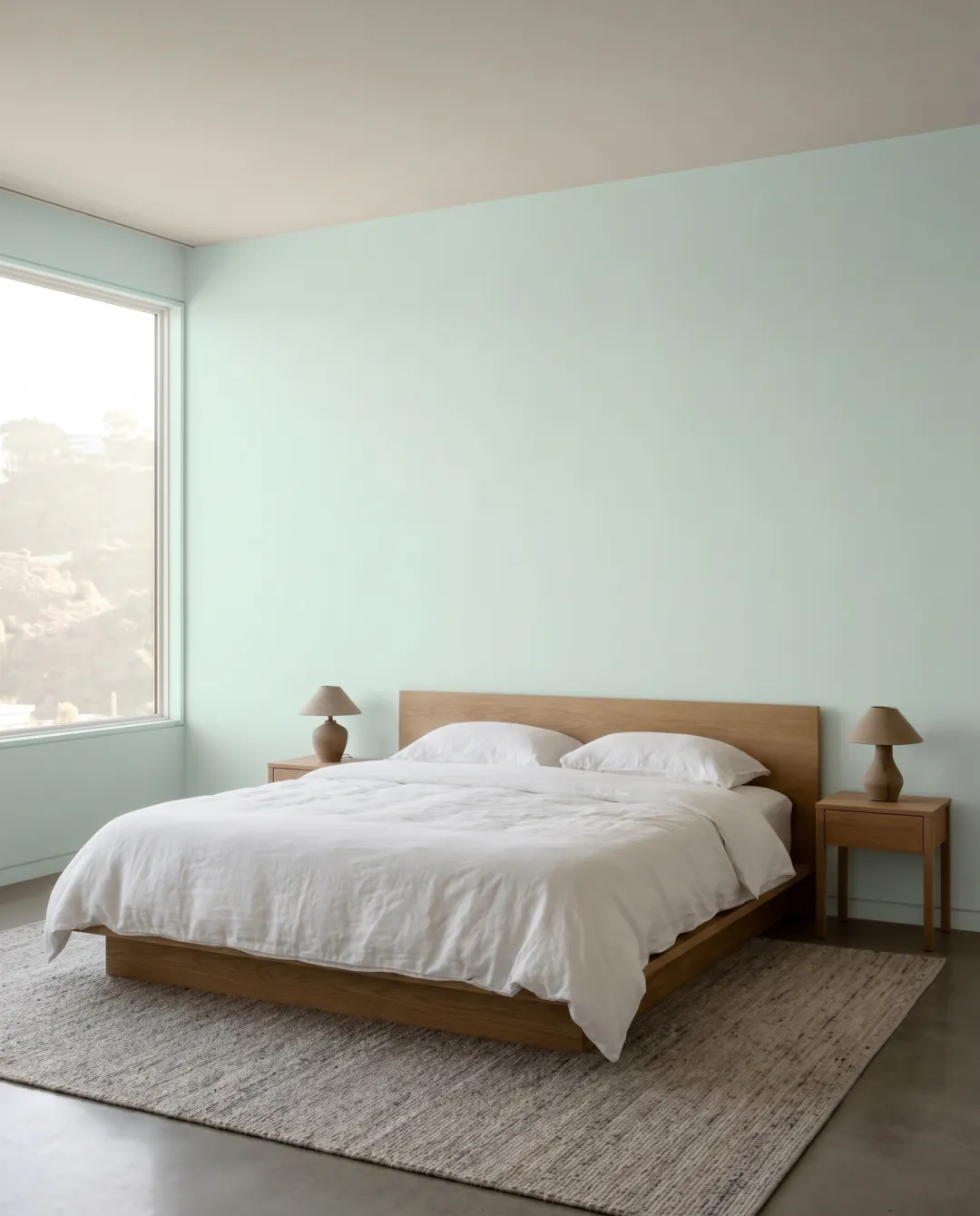
See your first wall in a few minutes
Sign up, pick a plan and take a photo of the room you’re about to paint.