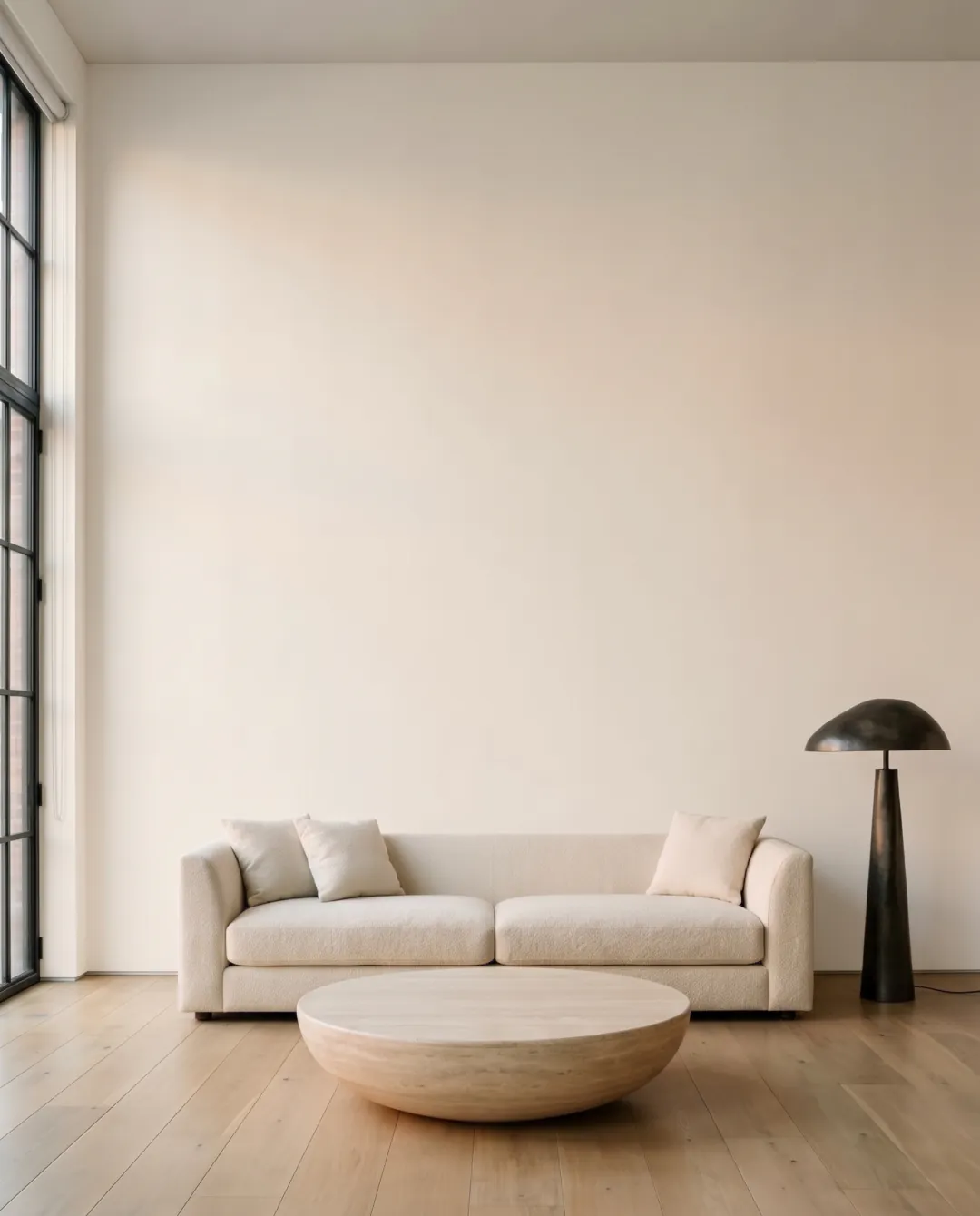
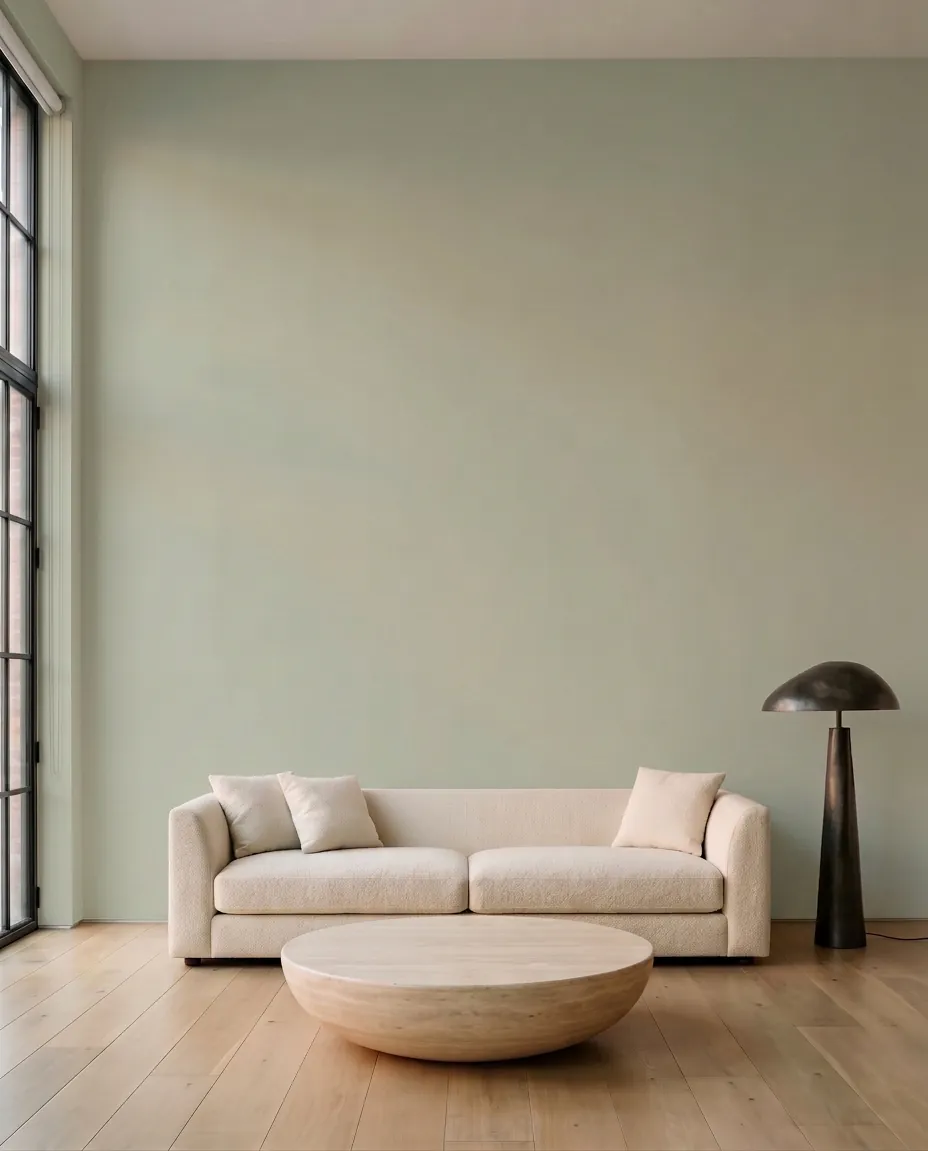
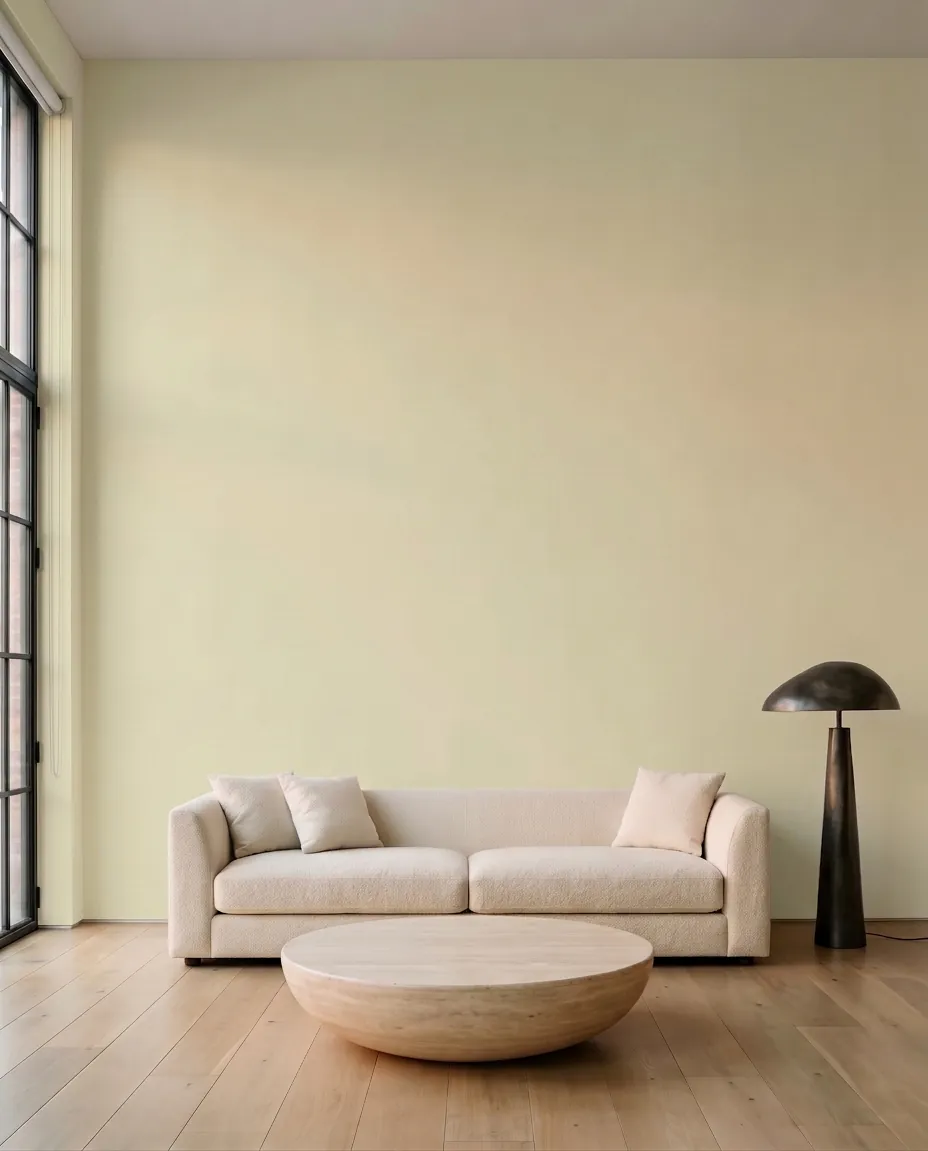
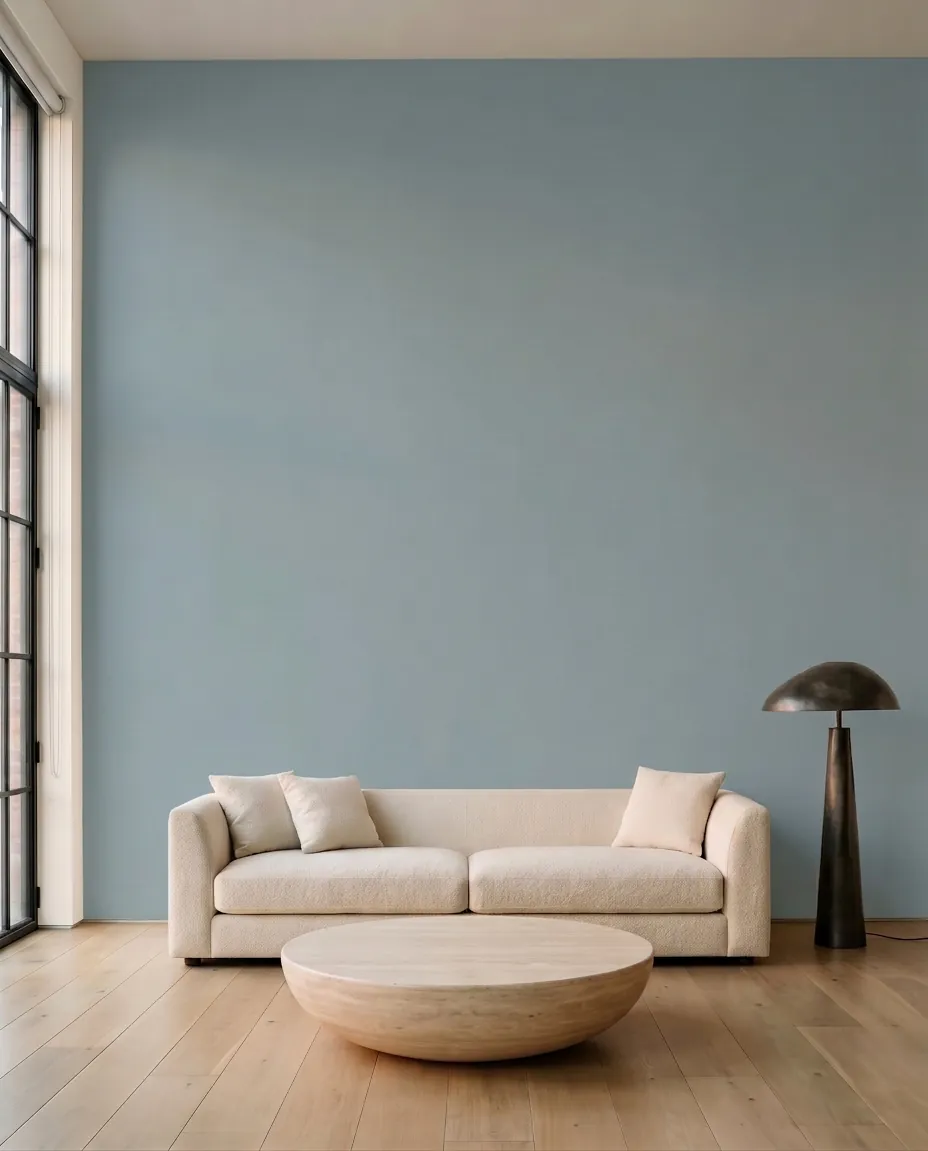
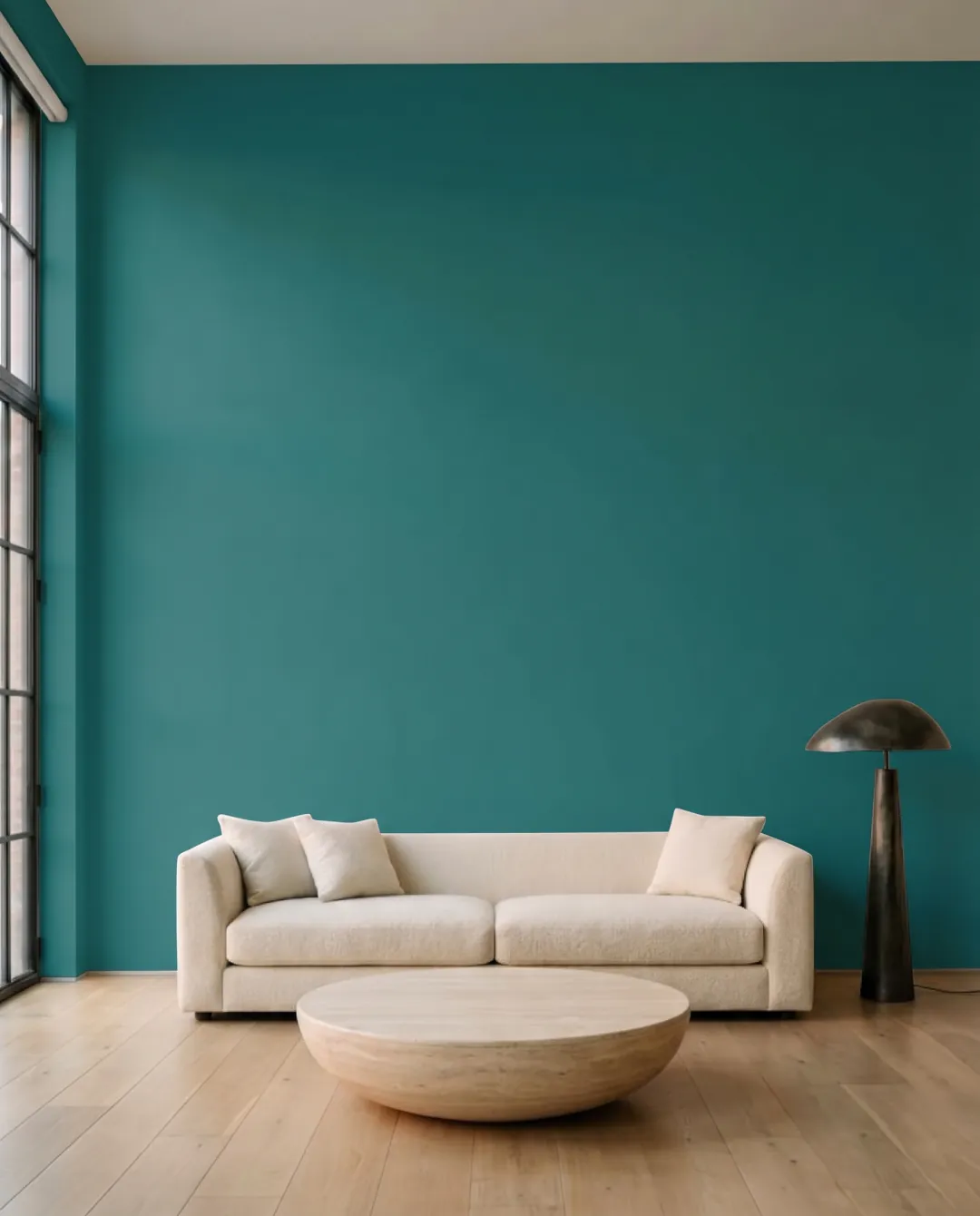
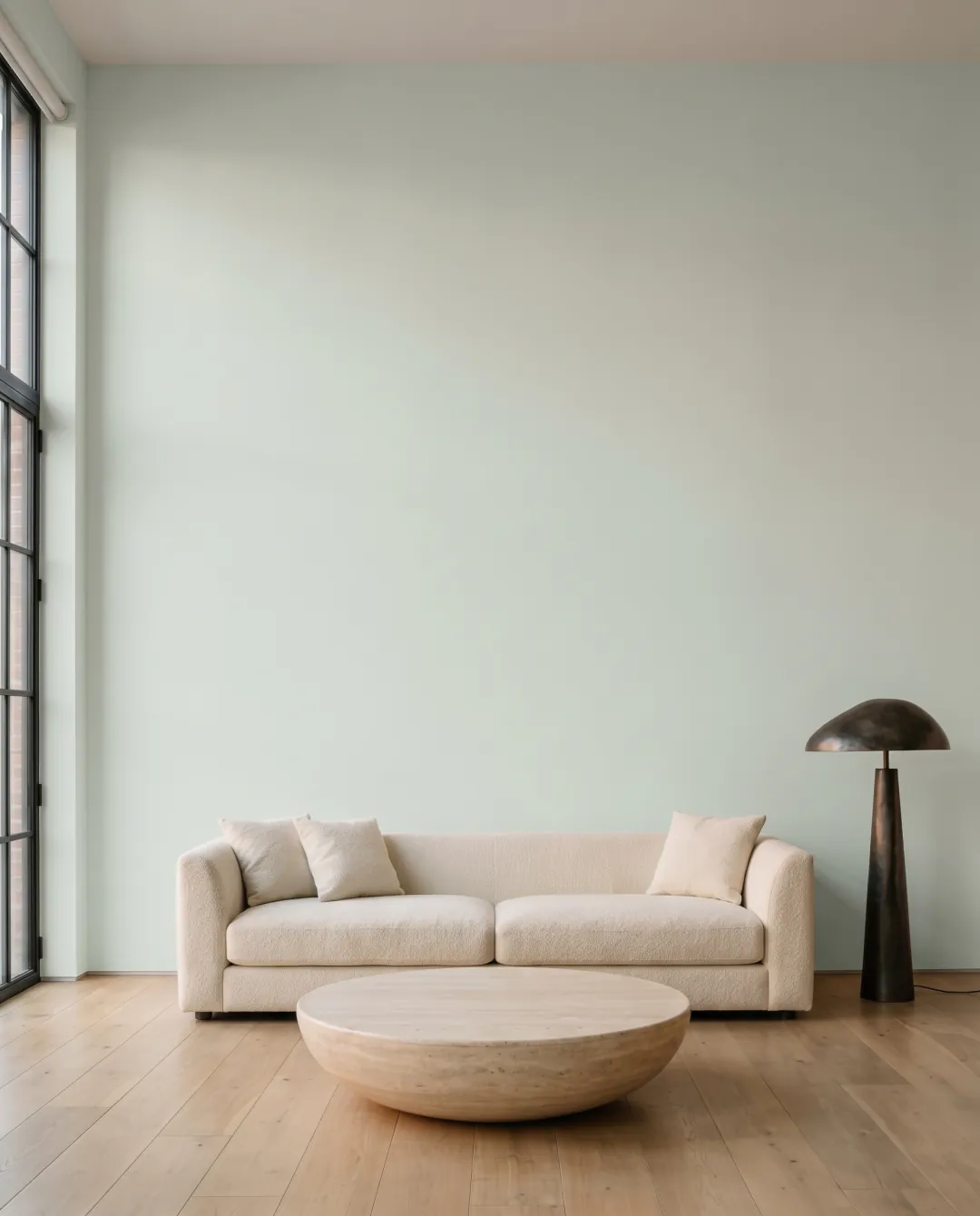
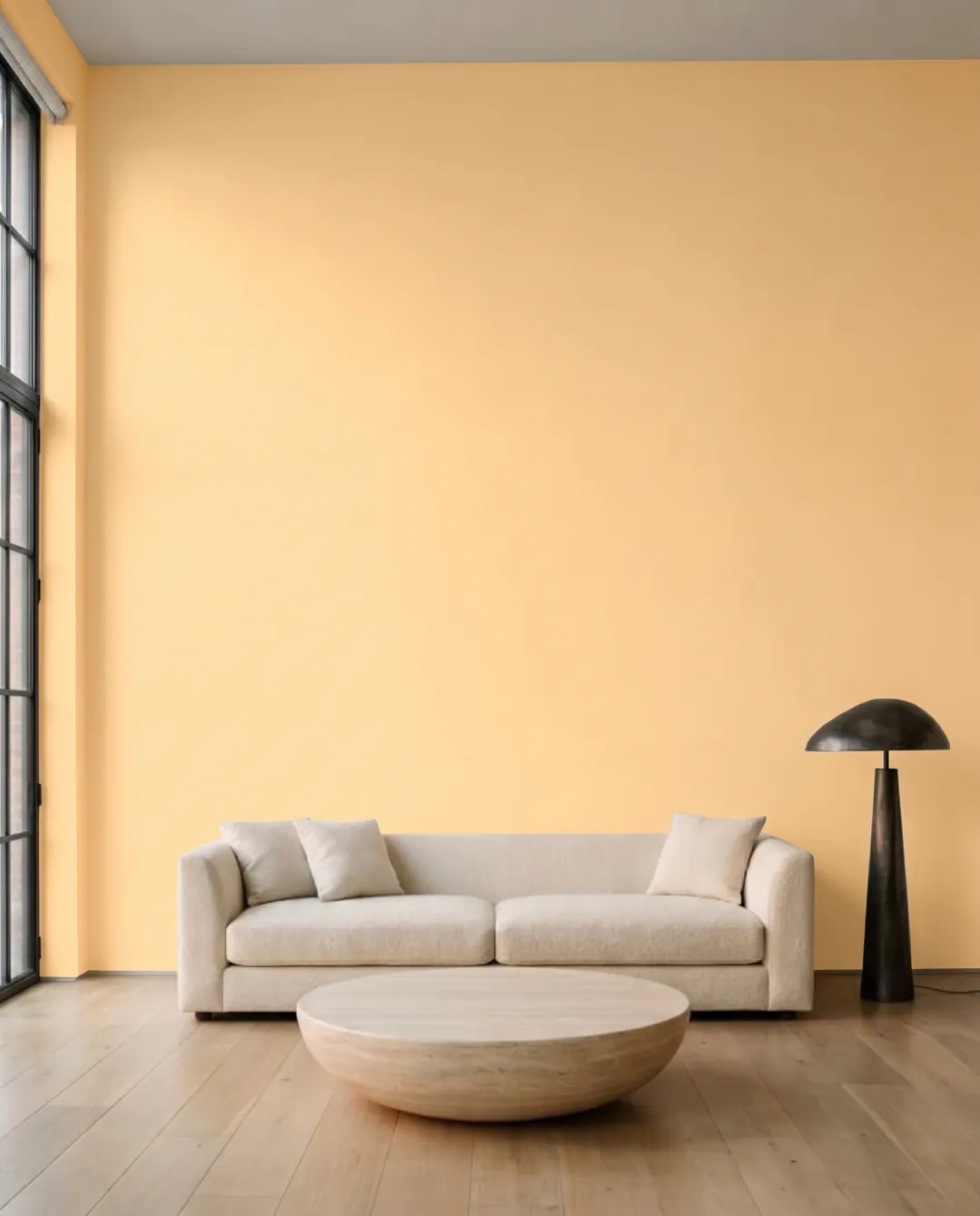
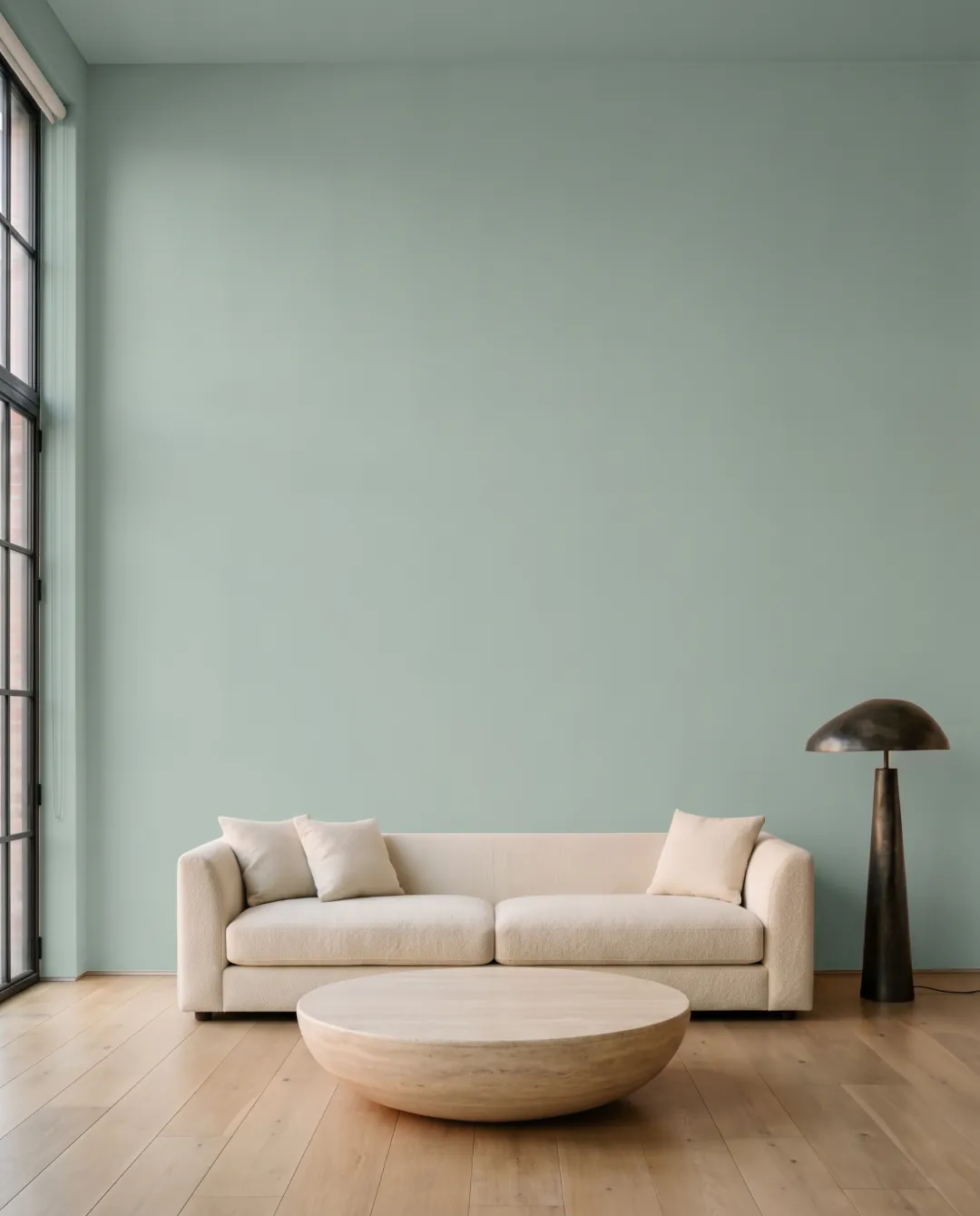
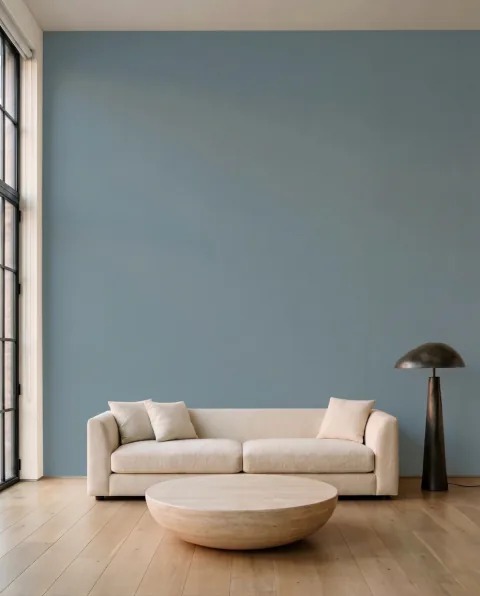
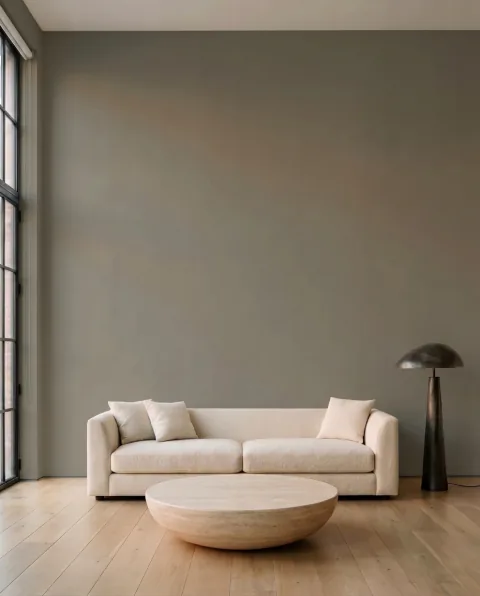
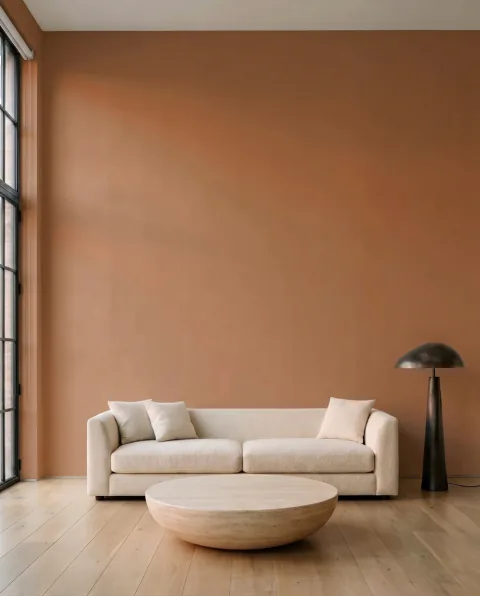
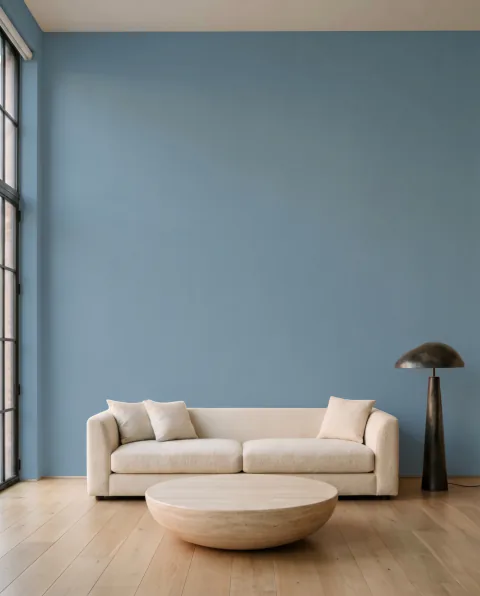
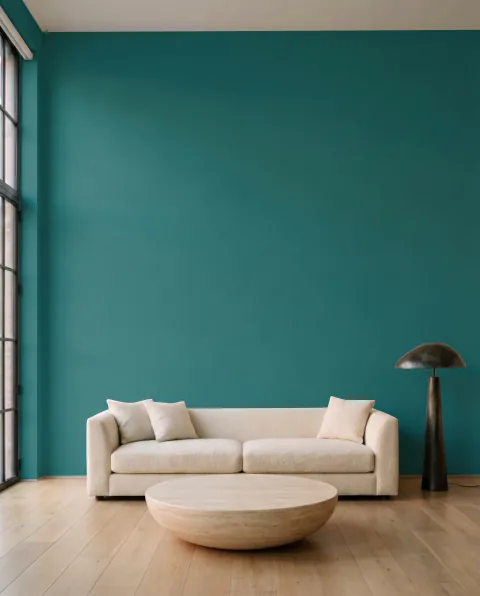
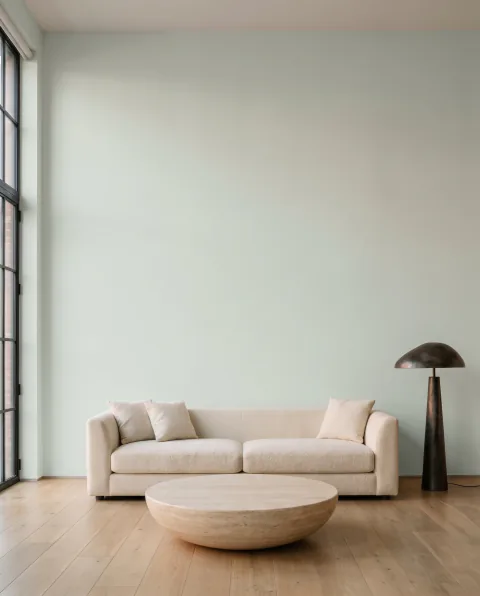
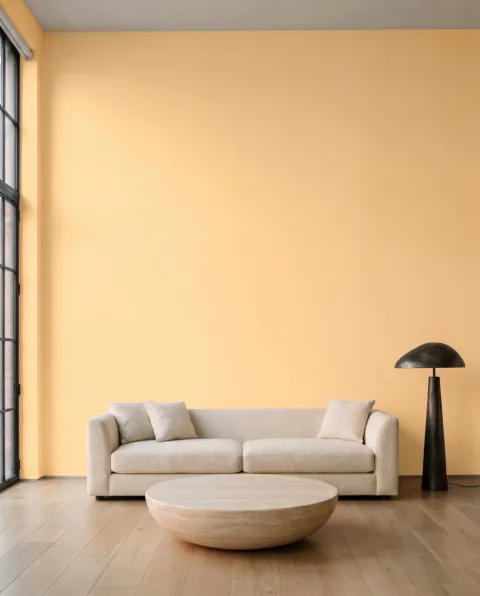
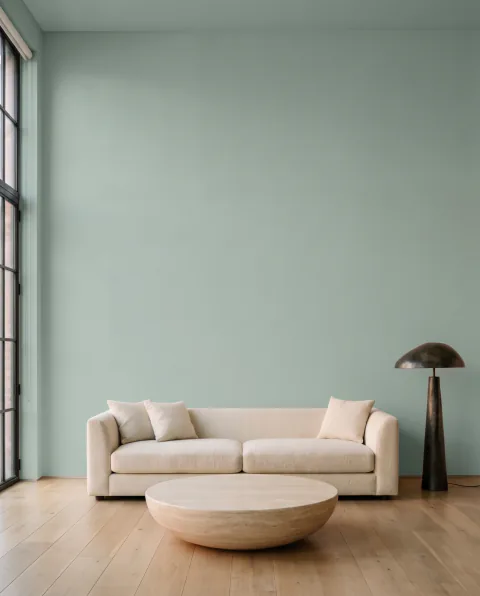
Muro Paint Colors is a free MCP server. Any assistant that speaks MCP can look up 51,000+ colours from 35 paint brand catalogues, find a colour by name or code, and tell you which colour in another brand is closest, with no sign-up and no key. With a Muro API key it also paints your own photos, up to 12 colours at a time, using the credits of your Muro plan.
Paste this into Claude Code, Cursor, ChatGPT or any other agent. It connects the MCP server and installs the Muro skill, so the agent knows what Muro is and when to use it.
Set up Muro, a free source of real paint colours for AI agents. If you're in Claude Code, run `claude mcp add --transport http muro-colors https://mcp.usemuro.com/mcp`, then save the skill with `mkdir -p ~/.claude/skills/muro && curl -fsSL https://usemuro.com/skills/muro/SKILL.md -o ~/.claude/skills/muro/SKILL.md`. If you're in another agent, add https://mcp.usemuro.com/mcp as a remote MCP server (Streamable HTTP, no authentication) and read the skill at https://usemuro.com/skills/muro/SKILL.md. Use one setup method. Muro has about 51,000 paint colours from 35 brand catalogues, each with the maker's name, code, hex and LRV. Its free tools search colours by name or code, look up one colour exactly, find the closest colour in other brands (CIEDE2000) and list brands by country. If I give you a Muro API key (muro_sk_…), send it as the header `Authorization: Bearer <key>` and you can also paint my own photos: up to 12 colours per call, walls, facades or roofs, and the same room by day, at sunset or at night, paid with my Muro credits. Then use the Muro skill whenever I ask about paint colours.
Real results from Muro, the same models and prompts as the app. Colour data is free. Visualizations use the credits of your Muro plan: 1, 2 or 3 per colour for Standard, HD or Ultra.
visualize_room
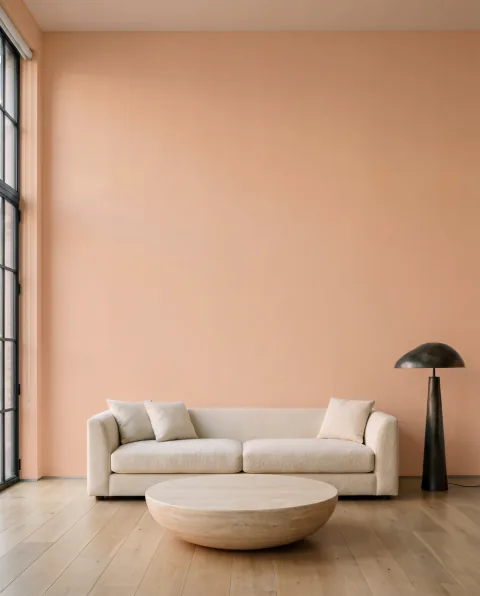
Up to 12 colours on one photo
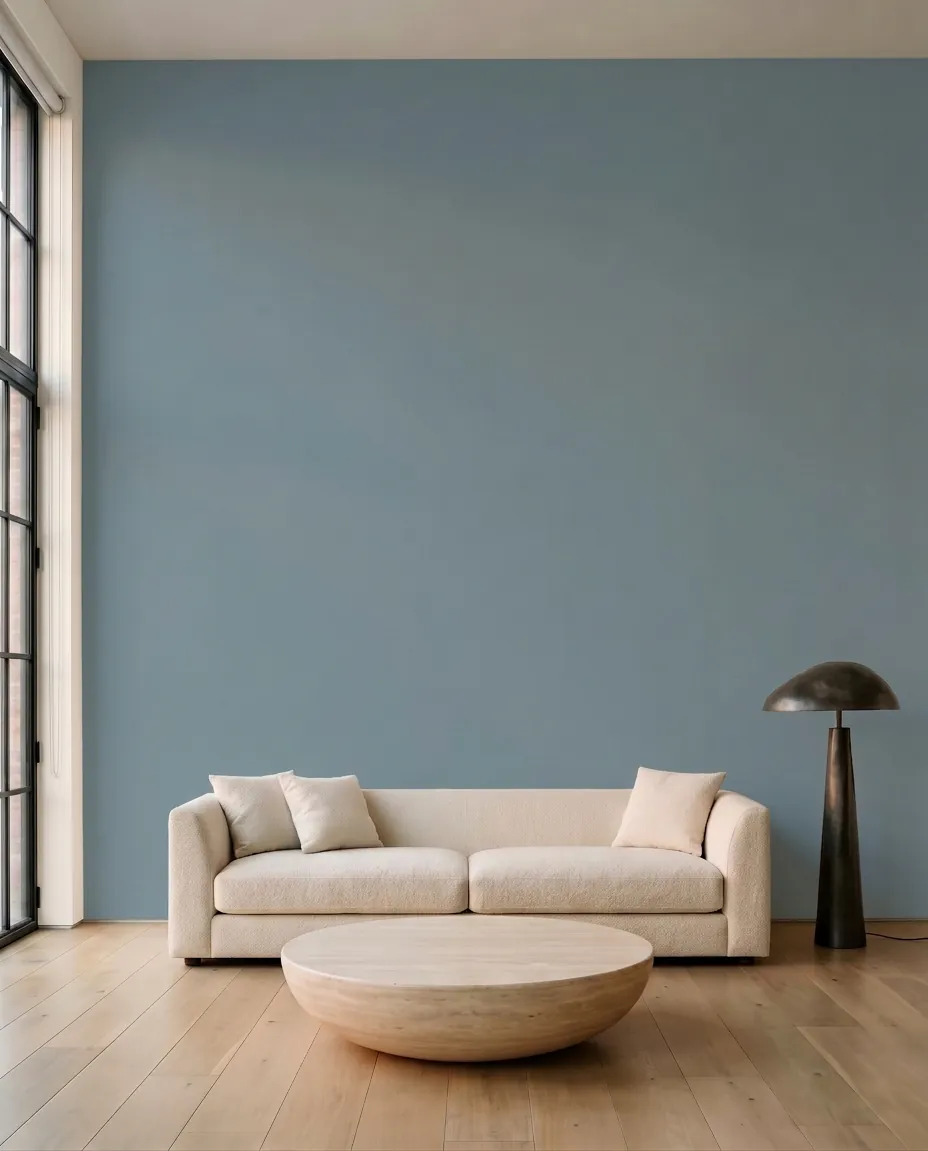
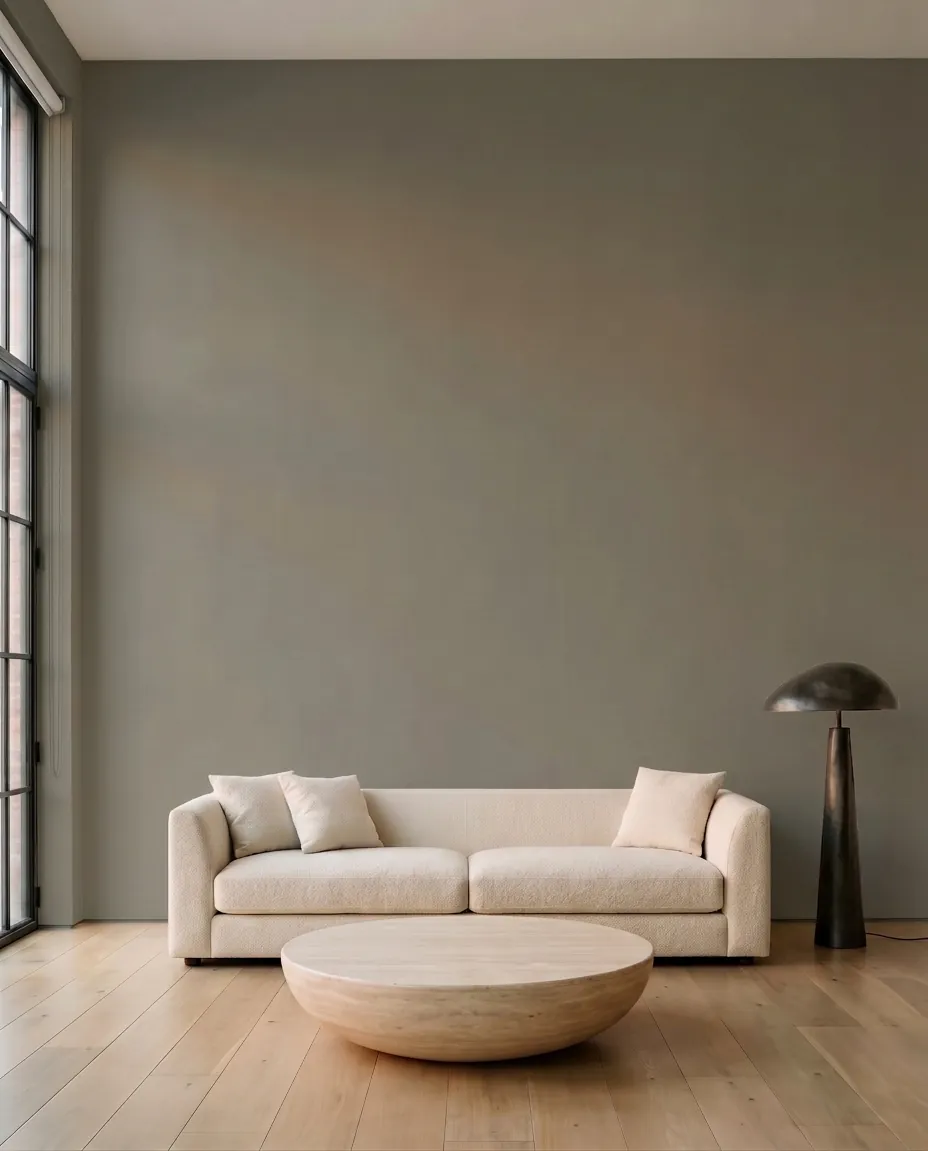
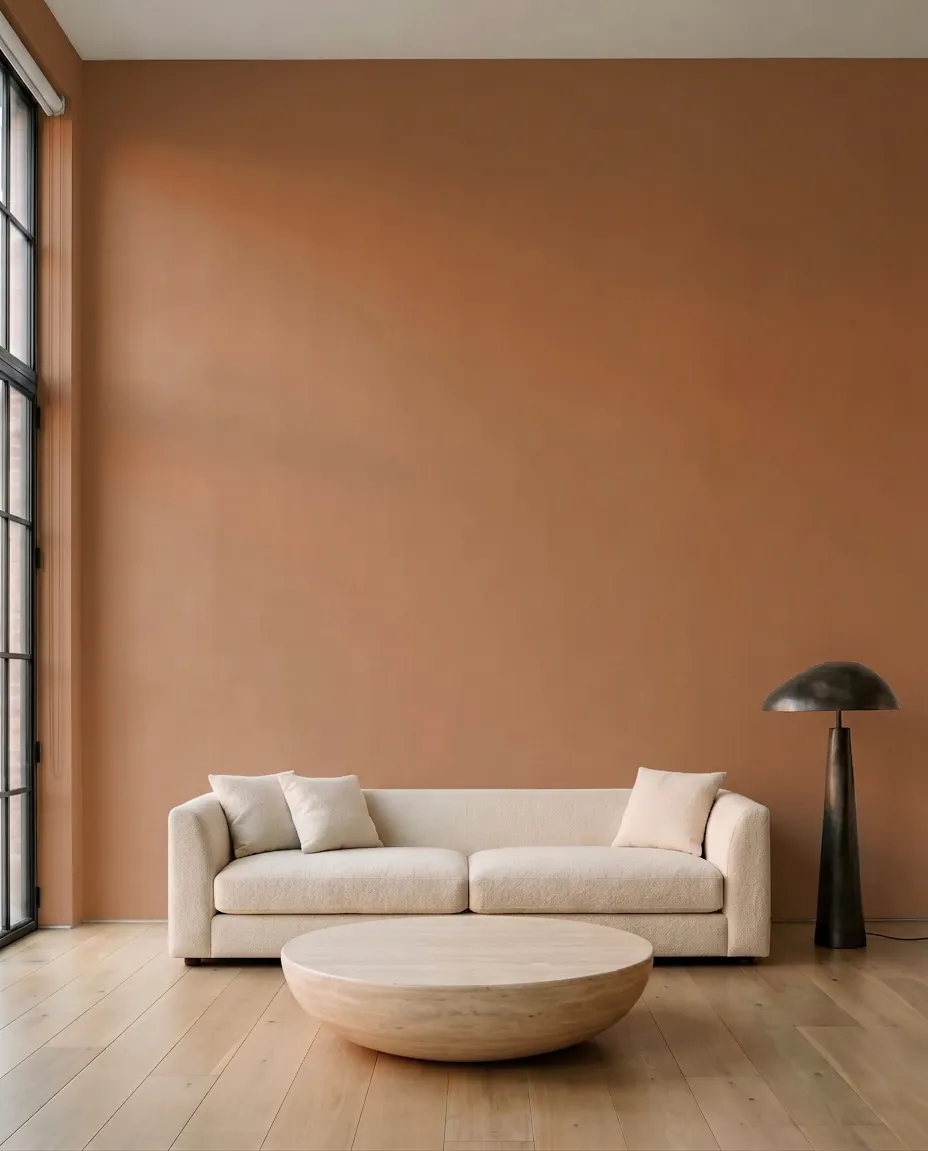
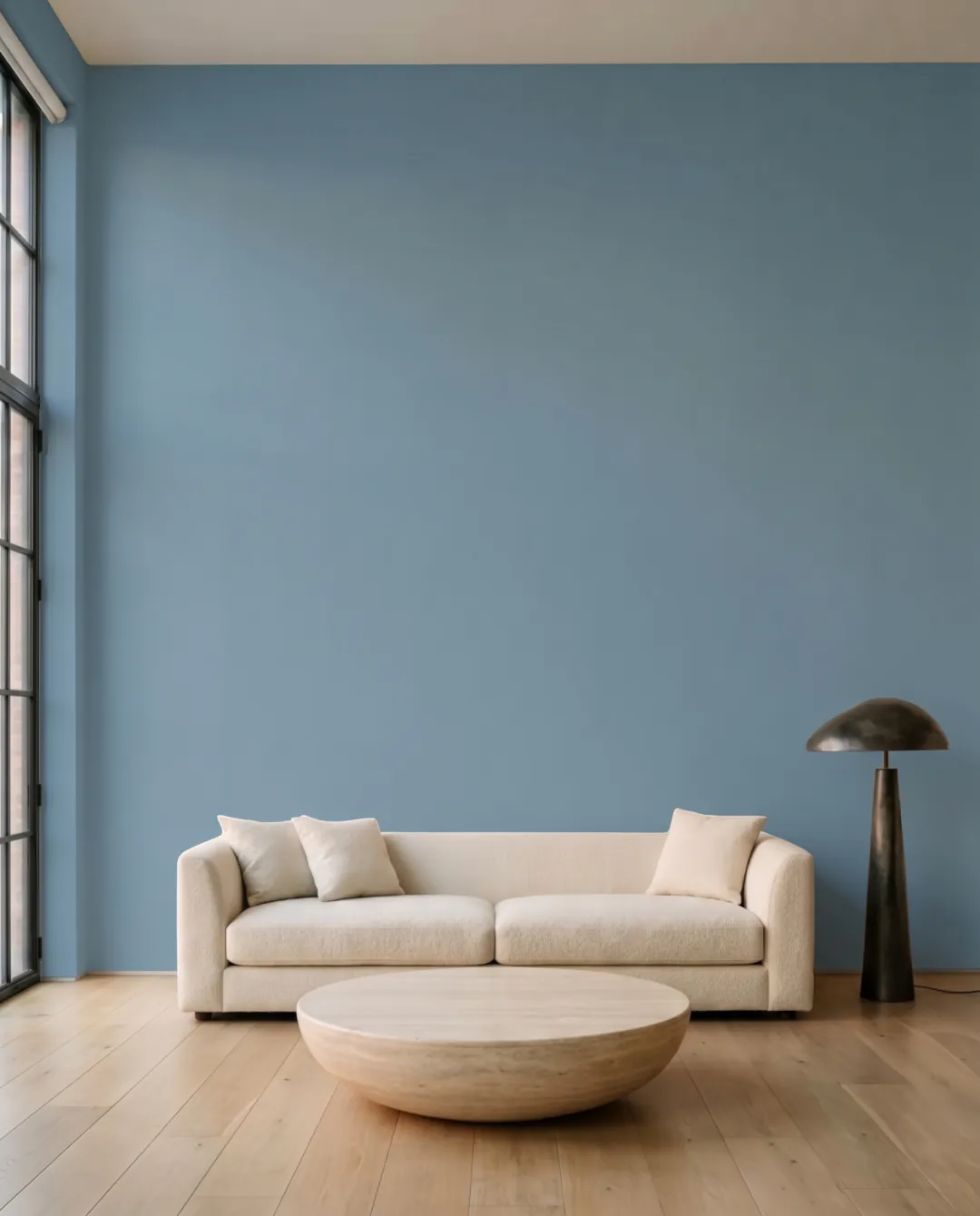
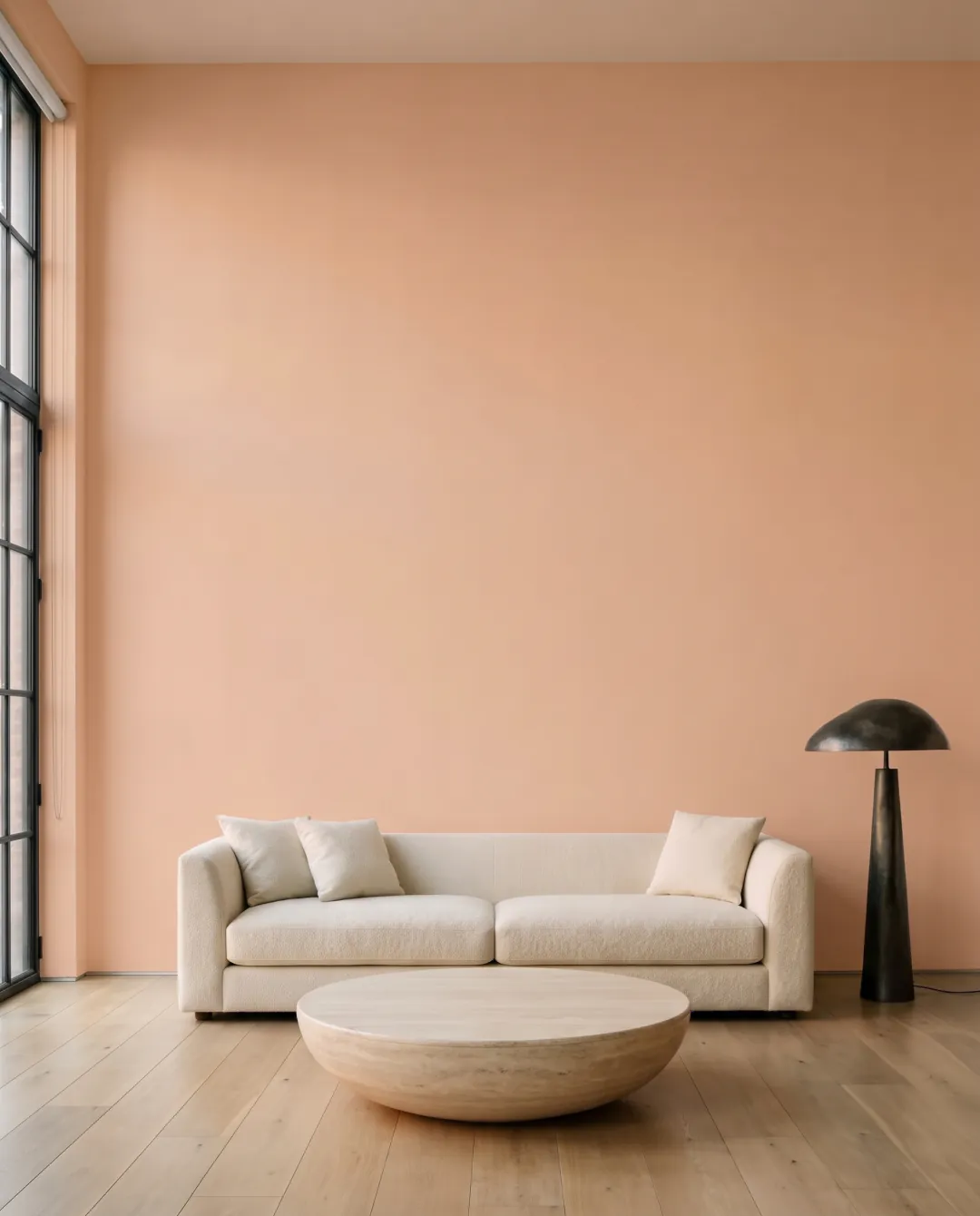
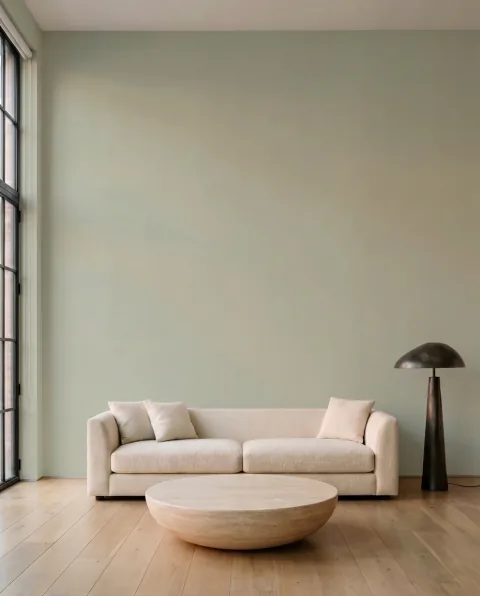
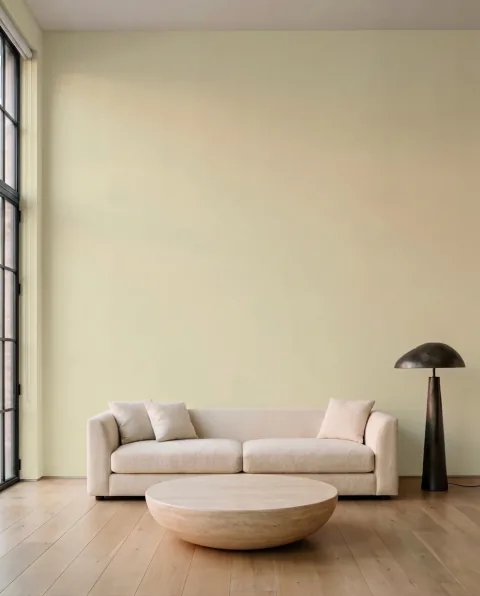
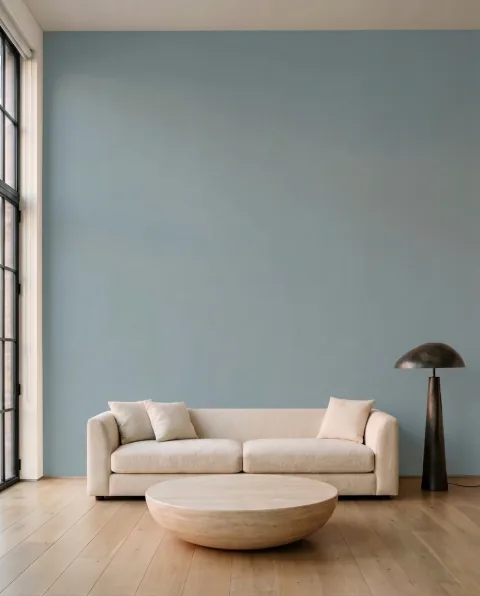
Send a photo of the room and up to twelve colours: by brand and name, by code, or as a plain hex. Muro repaints the walls and keeps the light, the shadows and the furniture. Every image comes back with the paint’s brand, name, code and hex.
visualize_room({
  image_url: "https://…/living-room.jpg",
  colors: [
    { brand: "Farrow & Ball", name_or_code: "Hague Blue" },
    { brand: "Sherwin-Williams", name_or_code: "SW 6421" },
    { hex: "#E6BCA6" },
    …  // up to 12
  ],
  quality: "standard"   // standard · hd · ultra
})
Painting 0/12
visualize_room · surface
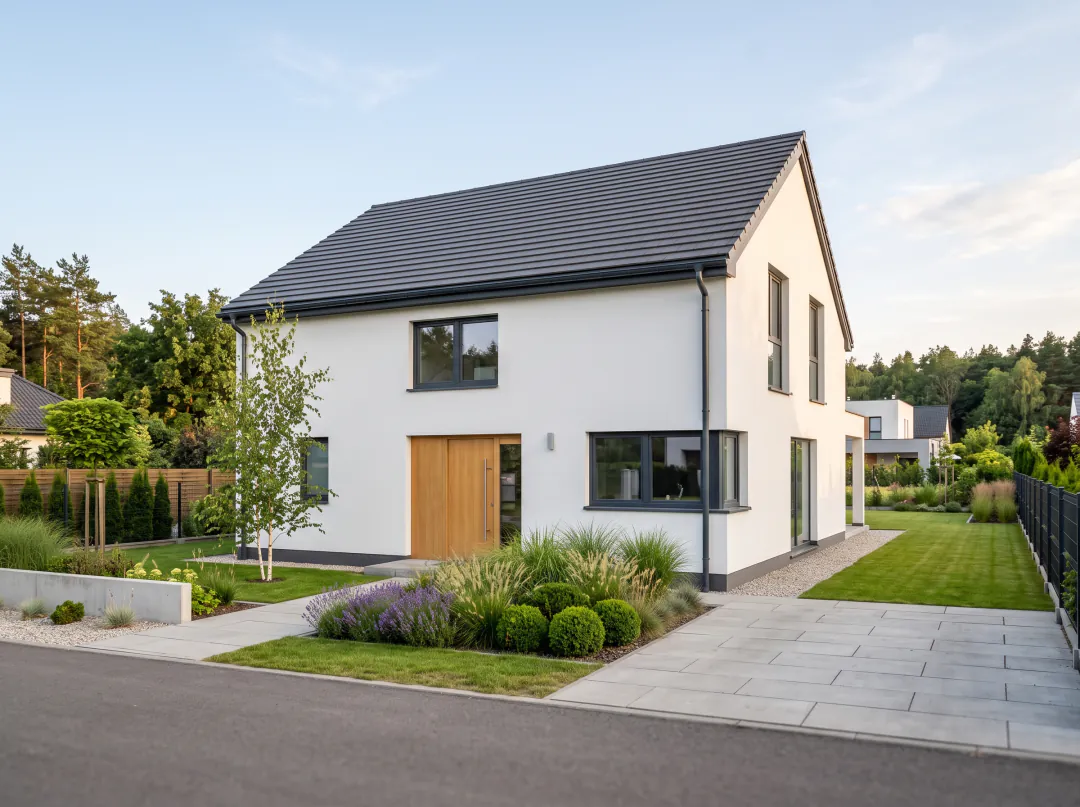
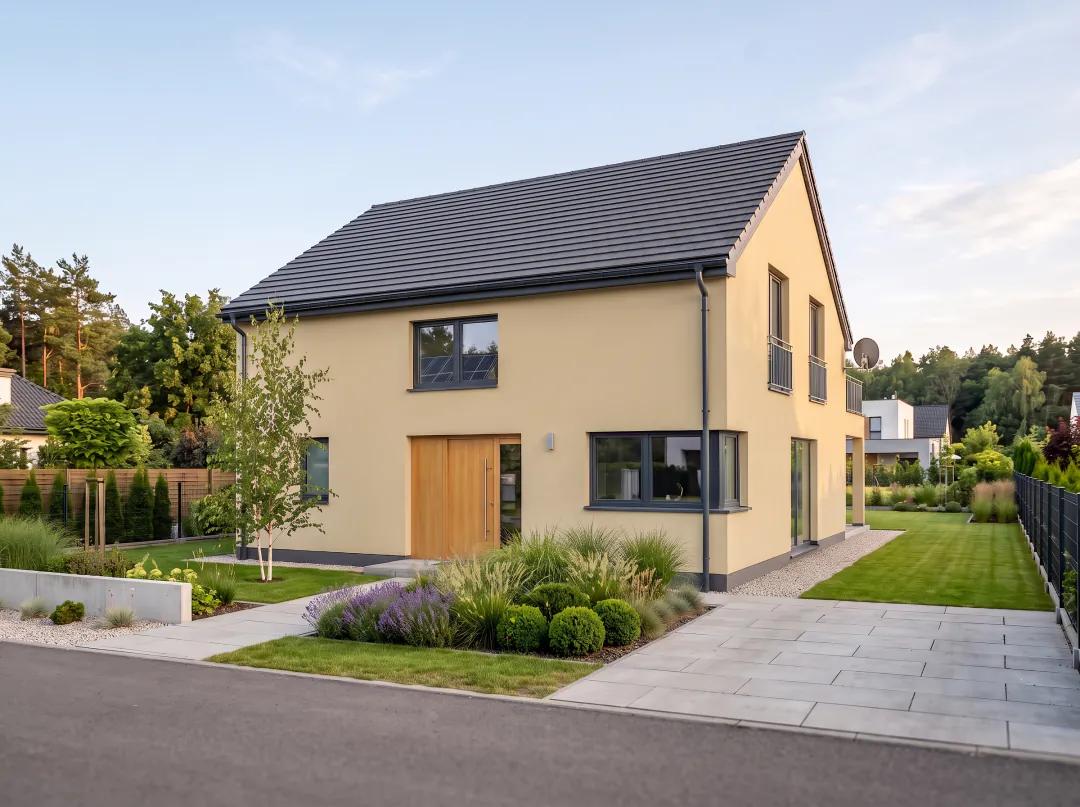
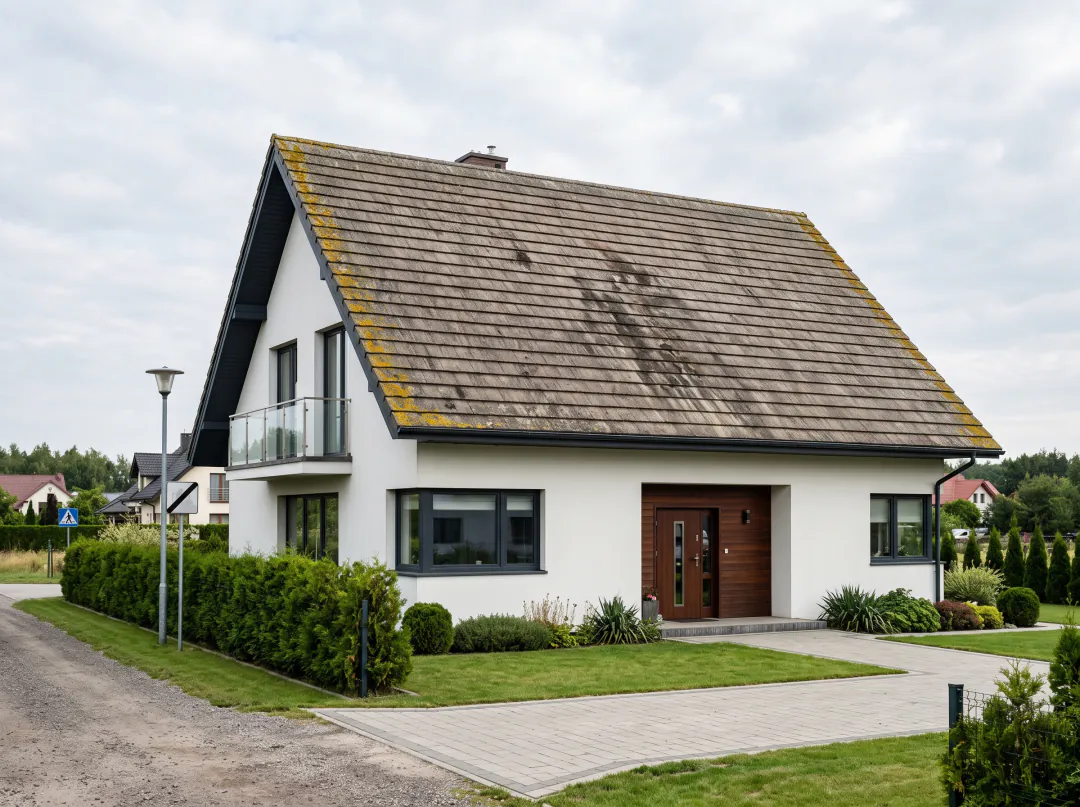
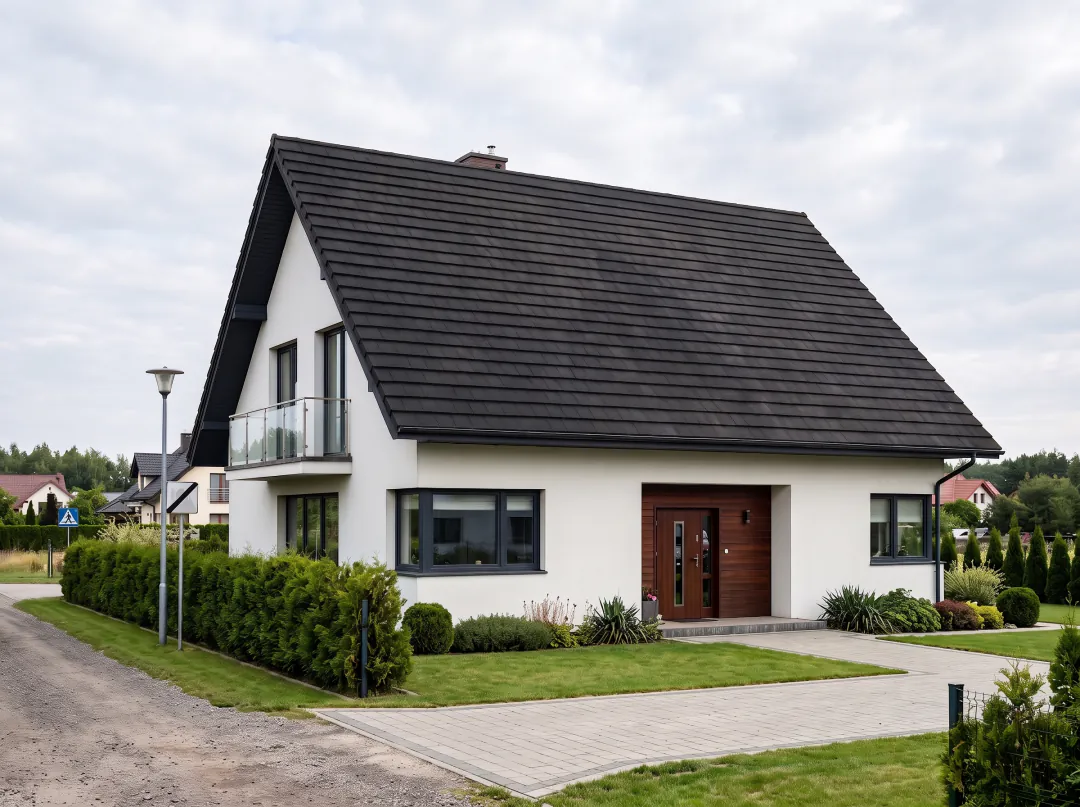
Walls, facades and roofs
The same tool paints interior walls, the facade of a house or its roof. Everything else in the photo stays as it was.
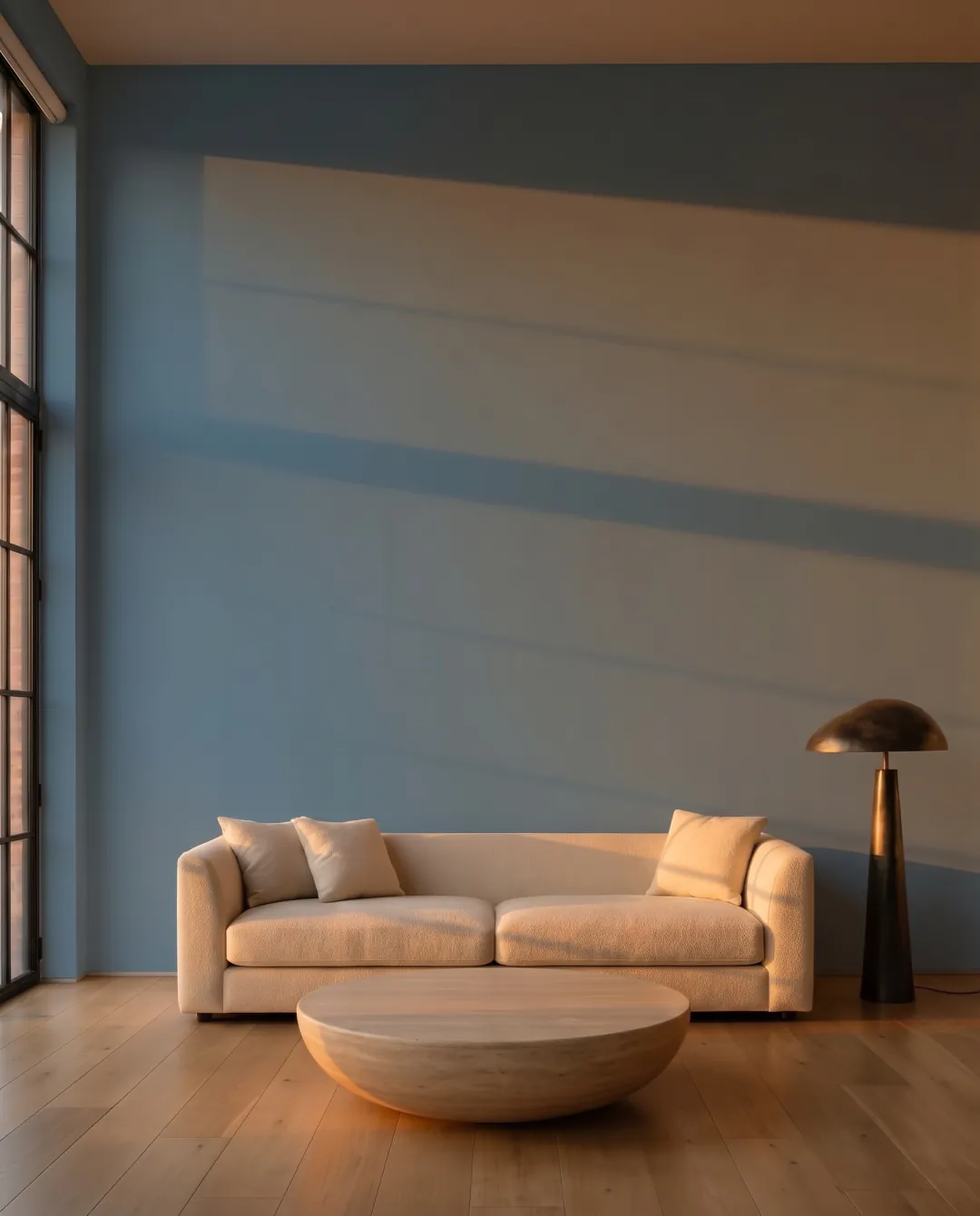
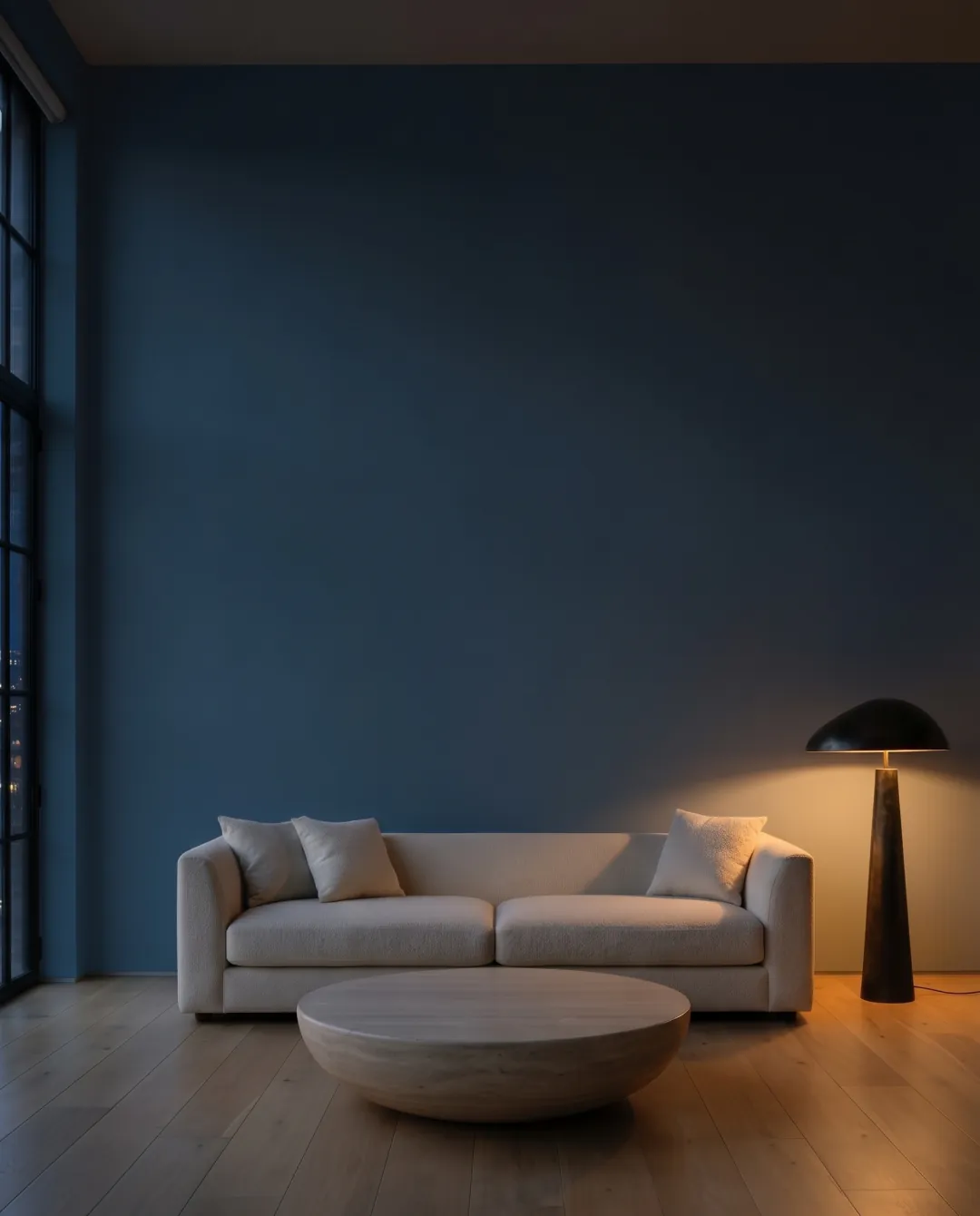
Paint changes with light. Take a finished visualization and see it at noon, at sunset, or at night with the lamps on, before you buy a single tin.
relight_room({
  project_id, color_key,
  time: "night",      // day · evening · night
  lamps: true
})
12:00 Day
A7 cejloński szafirMagnat Ceramic · A7 · #5B8BA8
find_equivalents
The same colour in another brand
Found a colour you love that isn’t sold near you? Get the closest paint from other brands, with a ΔE score that says how close it really is. Free, no key needed.
Benjamin Moore Brush Blue · CW-675ΔE 1.18very close
Dulux Viridian TideΔE 1.35very close
Connect your assistant
Claude
claude.ai, Desktop or mobile: Settings → Connectors → Add custom connector. Leave authentication empty; you sign in to Muro when you connect, which also unlocks the painting tools.
https://mcp.usemuro.com/account/mcp
Claude Code
One command in your terminal.
claude mcp add --transport http muro-colors https://mcp.usemuro.com/mcp
ChatGPT
Settings → Apps & Connectors → Advanced → Developer mode, then Create with this URL and OAuth. You sign in to Muro when you connect.
https://mcp.usemuro.com/account/mcp
Cursor
~/.cursor/mcp.json, or .cursor/mcp.json in a project.
“What is the Benjamin Moore version of Farrow & Ball Hague Blue?”
“Find me a warm white from Dulux with LRV above 80.”
“Which paint brands are sold in Poland?”
“I have #D1CBC1 from a photo. Which Behr colour is closest?”
Every colour in an answer links to its page on usemuro.com, and every answer says where to preview the colour on a photo of your own room.
Tools
search_paint_colors(query, brand?, limit = 10)
Full-text search over colour names and codes. Case and accents are ignored (“grun” finds Grün), every word may be a prefix, and “SW7029” also finds “SW 7029”.
Exact lookup by name or code. A brand sold in several markets (Dulux UK/PL, Sikkens NL/DE/IT) returns one match per market. A miss returns suggestions.
Example: get_paint_color({ brand: "Farrow and Ball", name_or_code: "hague blue" })
The closest colours in other brands, by CIEDE2000 ΔE, with a plain verdict. One result per brand by default; restrict to one brand for several options from it.
These four spend the credits of your Muro account, the same as the app. There are no free trials. Without a key, agents can pay per call with x402 instead.
Paints the photo once per colour: up to 12 colours in one call, from the catalogue (brand + name or code) or as hex. Interior walls, a facade or a roof. Returns the images with brand, name, code and hex. 1, 2 or 3 credits per colour for Standard, HD or Ultra.
get_visualization(job_id, project_id)
Collects the colours that were not ready yet. visualize_room waits about 45 seconds, then hands back a job_id.
relight_room(project_id, color_key, time, lamps?)
A painted interior by day, at sunset or at night, with the lamps on or off. 1 credit.
get_credits()
Credit balance and plan of the account behind the key.
Get a key and add it
Sign in at app.usemuro.com, open Settings and create a key under API keys. You see it once, so copy it right away.
Add the server with the key in the Authorization header:
Connectors there cannot send a header, so the Claude and ChatGPT cards above use a second address with sign-in: mcp.usemuro.com/account/mcp. You log in to Muro once and allow the connection; it shows up in Settings → API keys under the assistant’s name, and you can revoke it there.
Photos, formats and limits
Formats: JPEG, PNG or WebP, up to 12 MB, as image_url (a public https link) or image_base64. HEIC from an iPhone isn’t accepted by the server: the Muro app and the web app convert it for you, the muro CLI converts it on macOS, and agents should send a JPEG.
In claude.ai and ChatGPT, give the photo as a link: a pasted image can’t be passed on to a tool. Links to usemuro.com itself won’t load; host the photo elsewhere or send it as image_base64. Agents with file access (Claude Code, Cursor) send the file directly.
Per call: 1 to 12 colours, each one a separate image. Surfaces: interior walls, facade or roof.
Quality and cost: Standard (≈1K) 1 credit per colour on any plan, HD (≈2K) 2 credits from Pro, Ultra (≈4K) 3 credits from Premium. A time-of-day version costs 1 credit.
Time: about 30 seconds for two colours in Standard, about 15 seconds for a time-of-day version. Longer batches hand back a job_id for get_visualization.
Limits: up to 100 photo uploads a day per account. Credits are held before painting and given back for any colour that fails.
No account: pay per call with x402
Agents that run on their own can skip the key and pay per call in USDC on Base, over x402. Without a key, visualize_room and relight_room answer with the price, network and recipient in _meta["x402/error"]; an x402-capable client signs a USDC authorization and calls again with _meta["x402/payment"].
Price: 0.25 USDC per colour in Standard, 0.50 in HD, 0.75 in Ultra. A time-of-day version costs 0.25 USDC. get_visualization is free: the job_id is the proof of purchase.
Pay only for what you get: the payment is settled after the images are delivered. If painting fails, nothing is charged.
Network: Base mainnet (eip155:8453), native USDC. Payments are verified and settled by the PayAI facilitator.
How close is close
find_equivalents measures the distance between colours with CIEDE2000 (ΔE), the standard formula for how different two colours look to a person.
ΔE
Verdict
What it means
< 1
Practically identical
The eye cannot tell them apart on a swatch.
< 2
Very close
Visible only side by side.
< 3.5
Close
A noticeable but small difference.
≤ 6
Similar
Same family. Nothing further apart is returned.
Hex values are screen approximations of real paint. On the wall the result depends on the paint base, sheen and tinting, so test a sample before you buy.
Limits & data
Access
Colour tools are public and read-only: no account, no key, no cookies. Painting tools need a Muro API key and use your plan’s credits.
Rate limit
About 600 requests per minute per IP address. Above it you get HTTP 429 with Retry-After: 60.
Compiled from the manufacturers’ published colour catalogues: official swatch files, colour cards and their websites. Brand and colour names belong to their owners. Muro is not affiliated with any paint manufacturer.
The same catalogue and painting in your terminal, with JSON output for scripts. Colour lookups are free; painting uses your Muro API key and credits, and asks before it spends them.
Every result is saved at full resolution with the paint’s brand, name and code, plus the closest paints to buy from other brands (--country US puts brands sold there first). Source: github.com/mszyma/muro-cli.
All of it in 34 seconds
Connecting, twelve colours on one photo, facades and roofs, the same room from noon to night, and the same colour in another brand. Real Muro results throughout.
See the colour on your own wall
Found the colour? Upload a photo of the room and Muro repaints the walls in it, keeping the light and shadows the room really has.