Find out now, not after two coats.
Take a photo of your room. Try as many colors as you want on your own walls, in the light your room actually has.
Then buy one can, once, in a color you already know you like.
Nothing to install. Works on your phone and computer. Also on iPhone and iPad
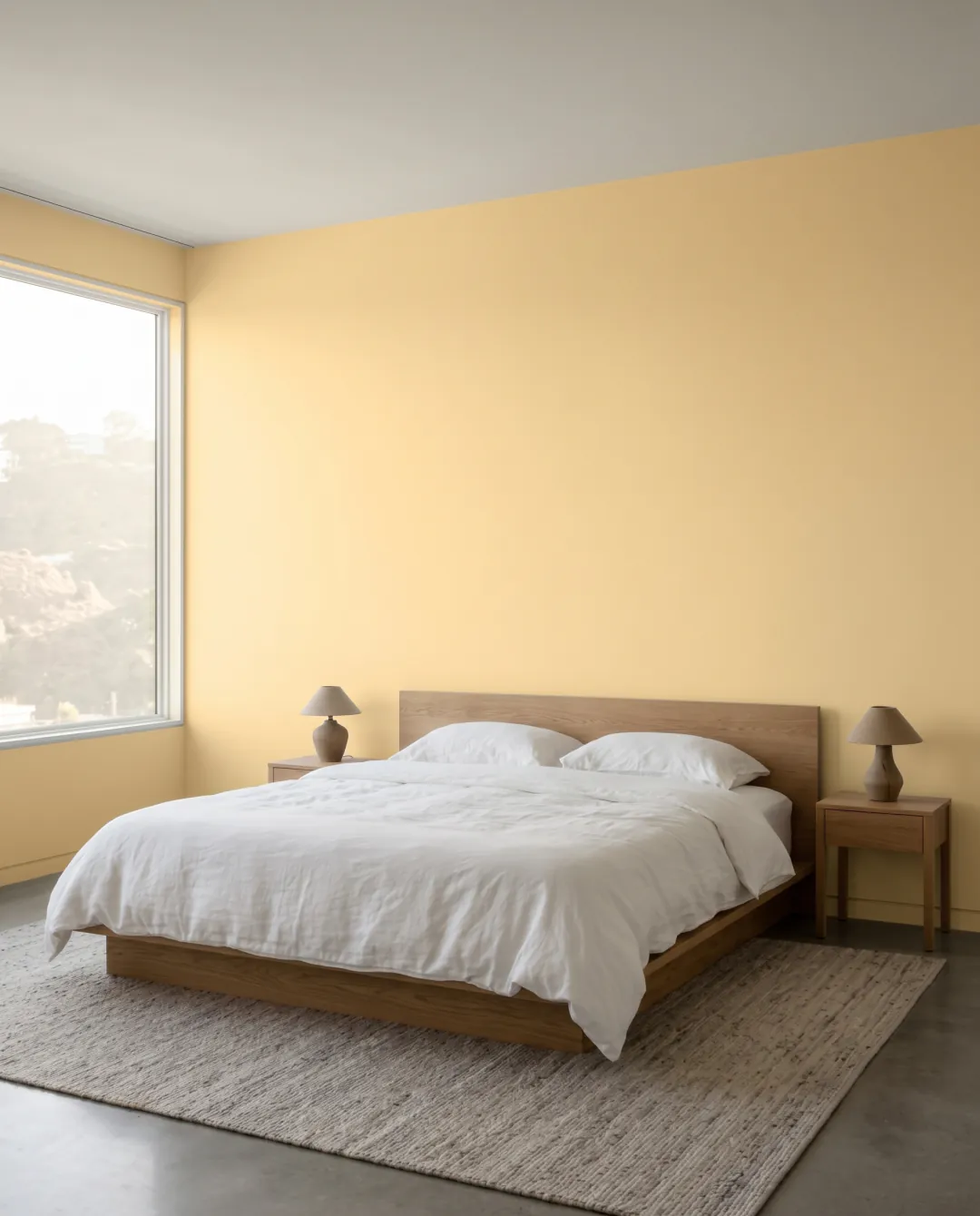
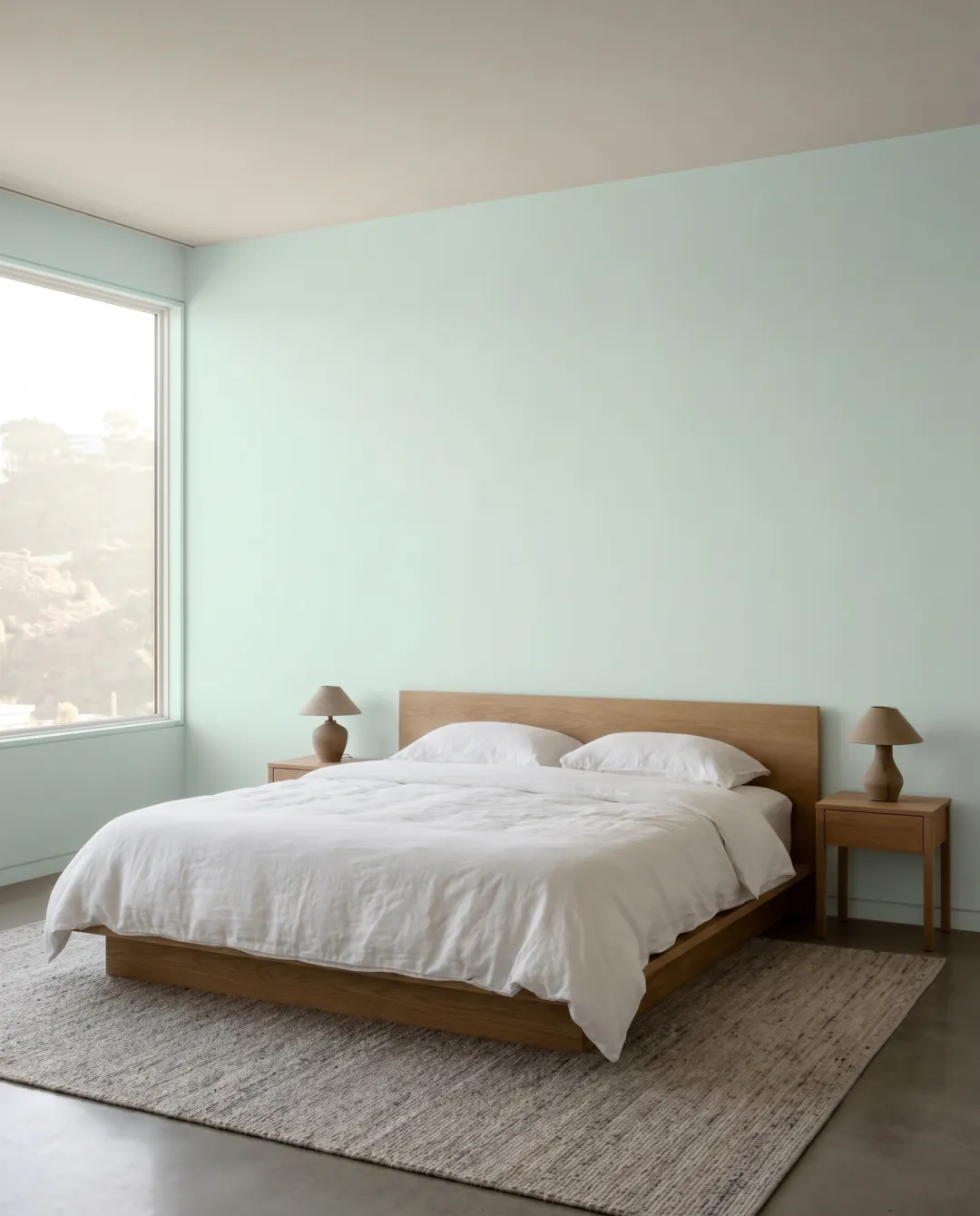
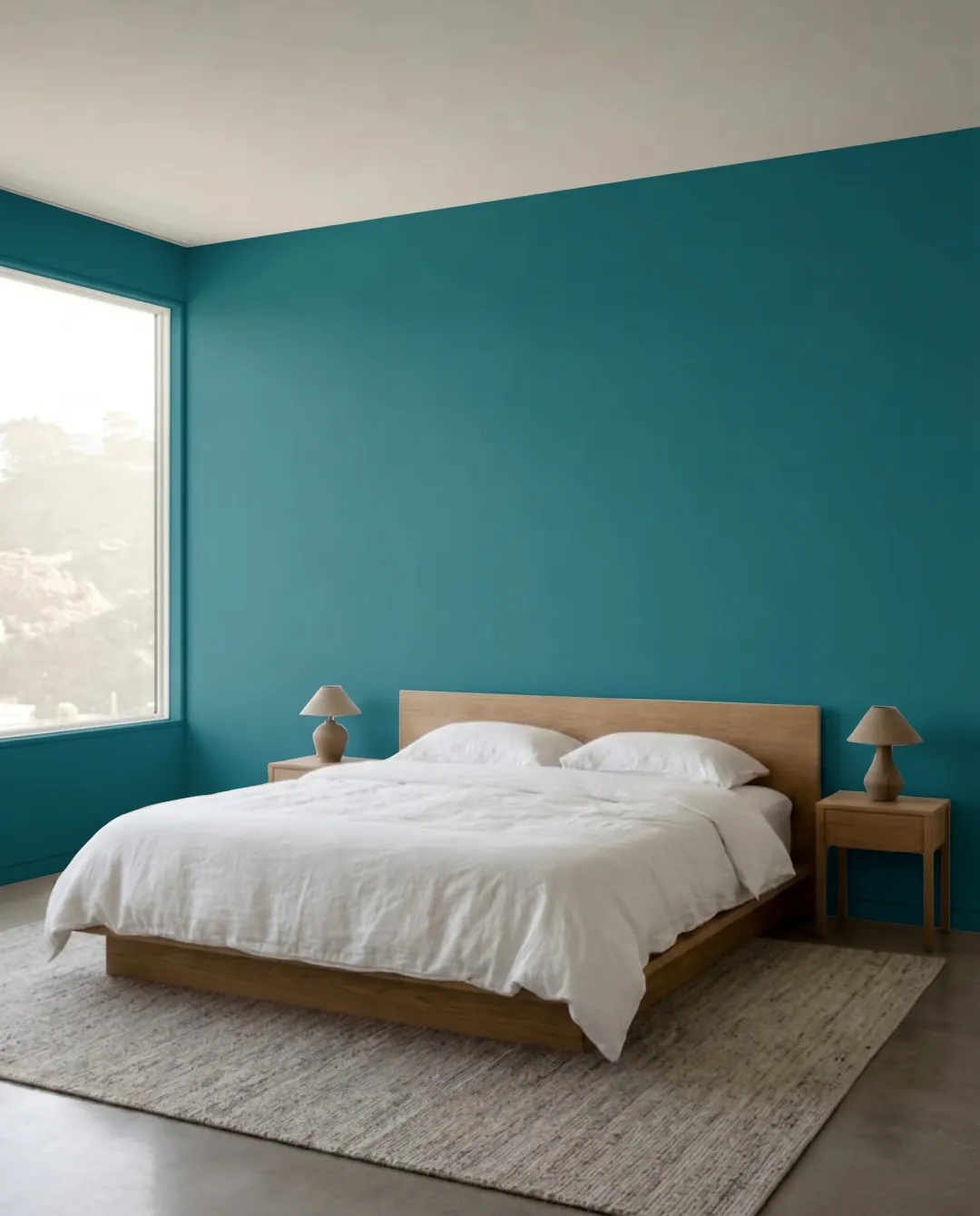
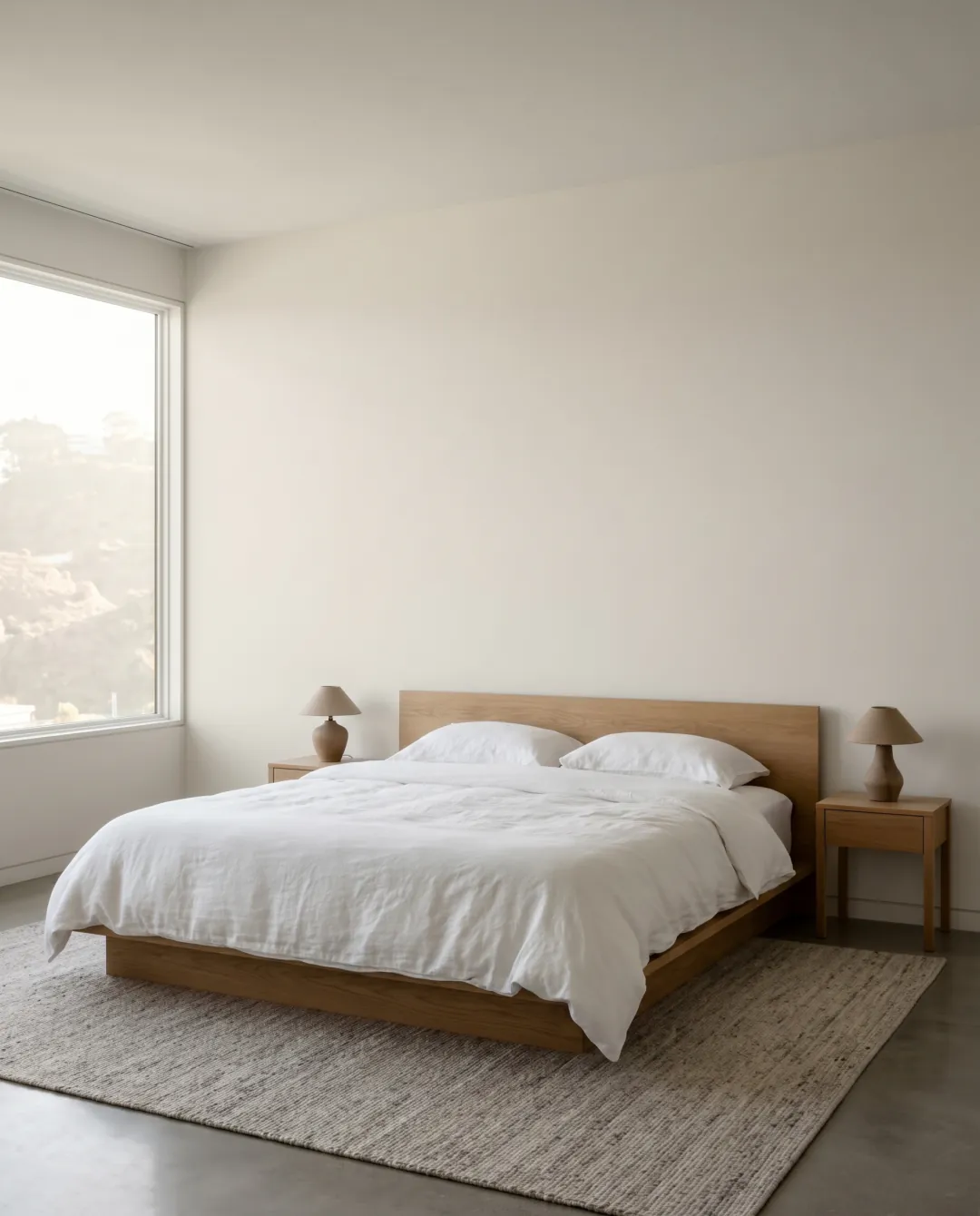 Before
Sound familiar?
Three sample pots, three squares on the wall, and now you can’t tell any of them apart. They’ve been there a month.
It looked warm under the store lights. On your north-facing wall it reads gray and a bit sad.
You can picture it. They can’t. Nobody wins an argument about a color nobody has seen.
Try the colors on your own wall before you buy paint.
Try it in your browserHow it goes
- 01
Photograph the room
As it is. Messy is fine. The light matters more than the tidying.
- 02
Pick colors
From the brands your store carries, or straight from a photo you saved.
- 03
See your wall
Drag the divider. Before on one side, after on the other. Swipe for the next color.
- 04
Buy the right can
Take the code to the store. They mix that exact color. No more guessing at the counter.
Try ten before you buy one
Line up a batch and see them all on the same photo. Cheaper than sample pots, and you never have to paint over the squares.
up to twelve colors in one batch
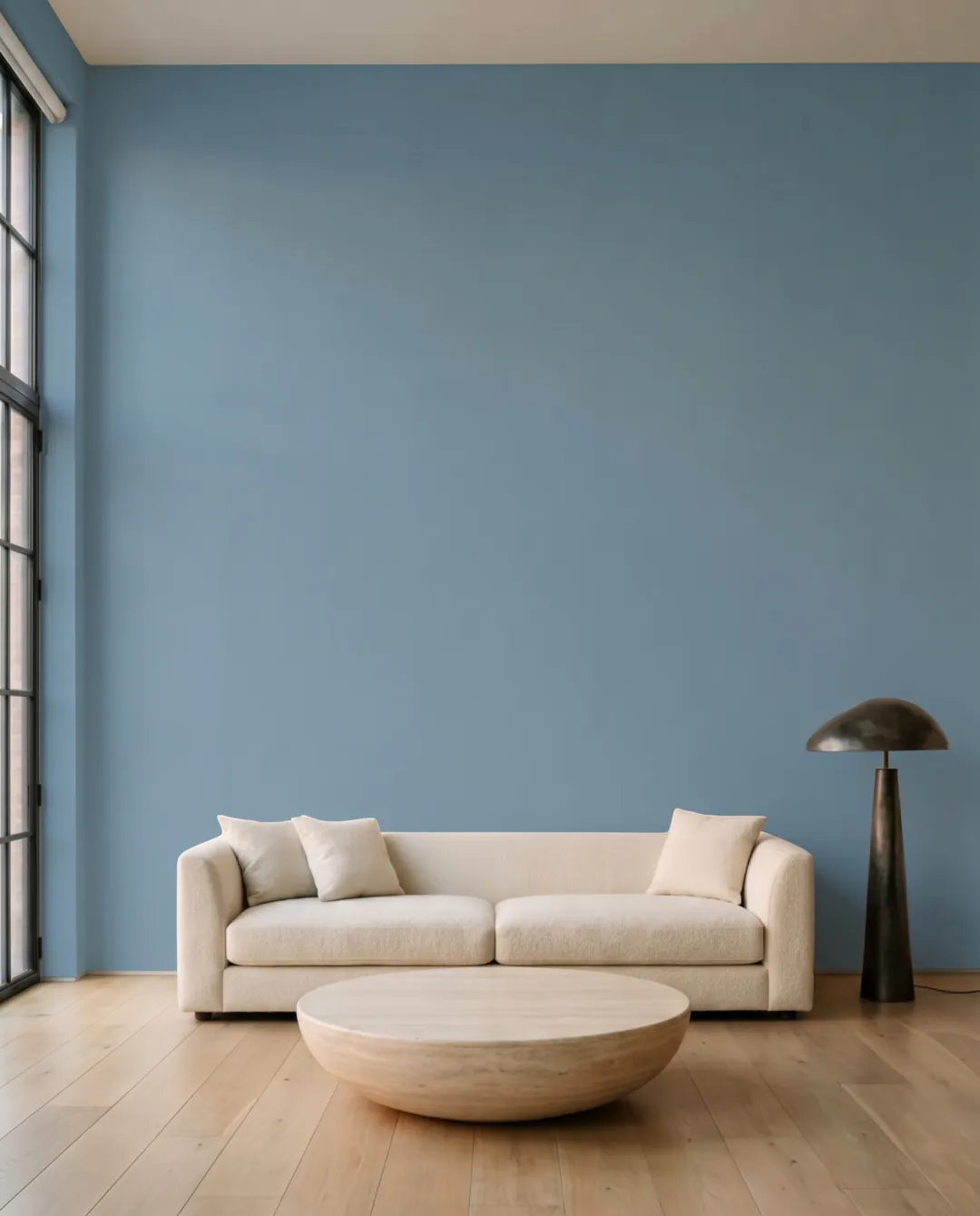
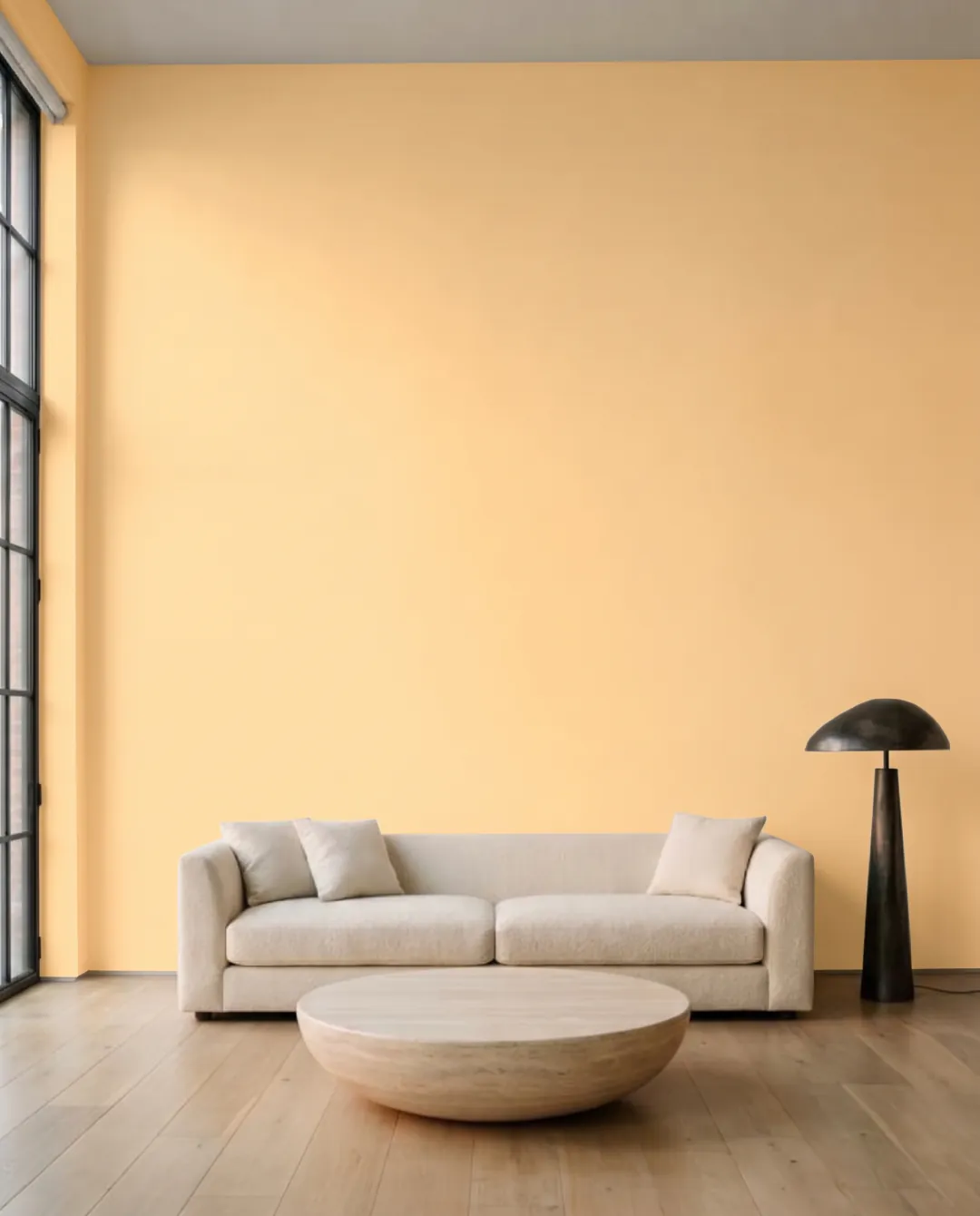
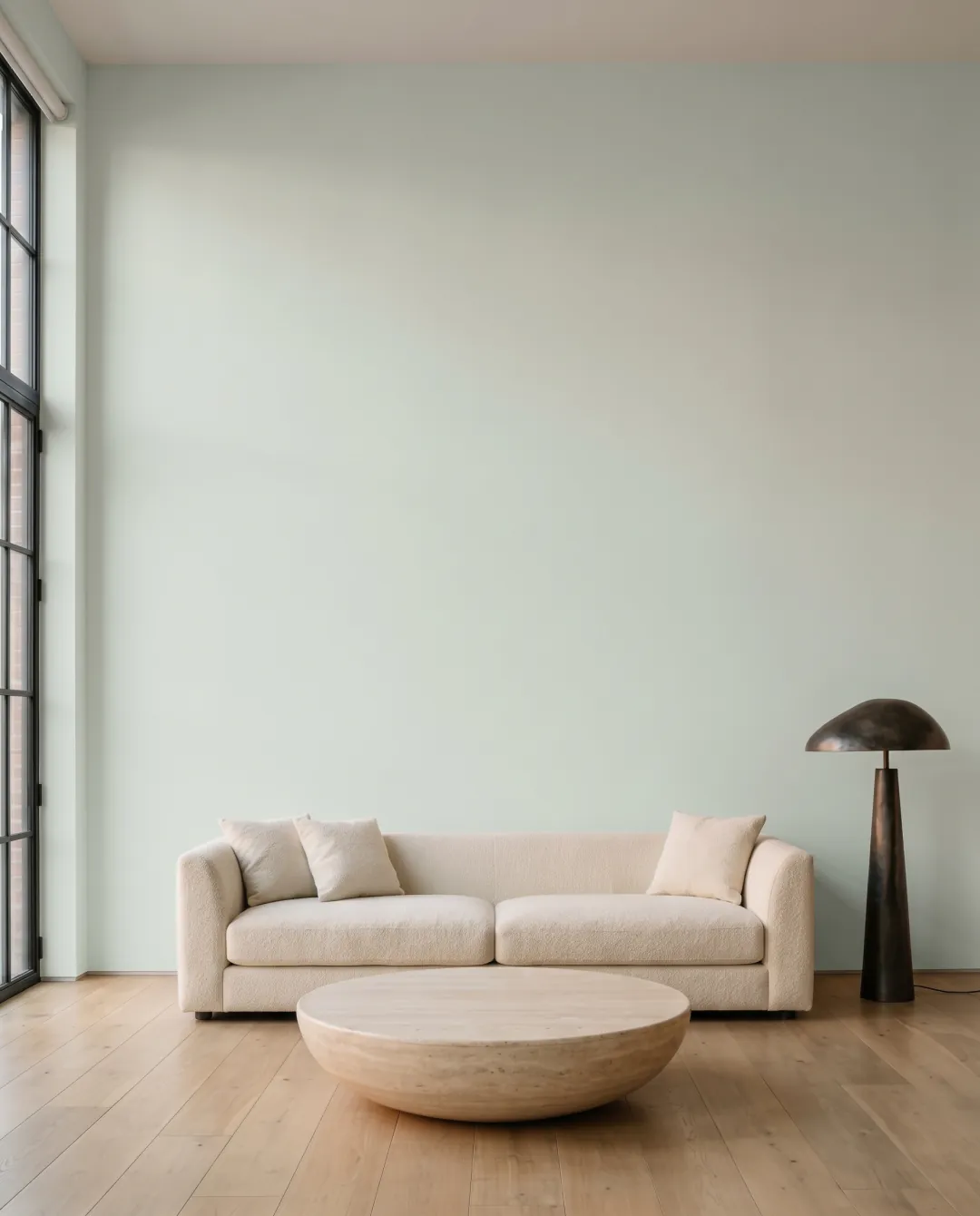
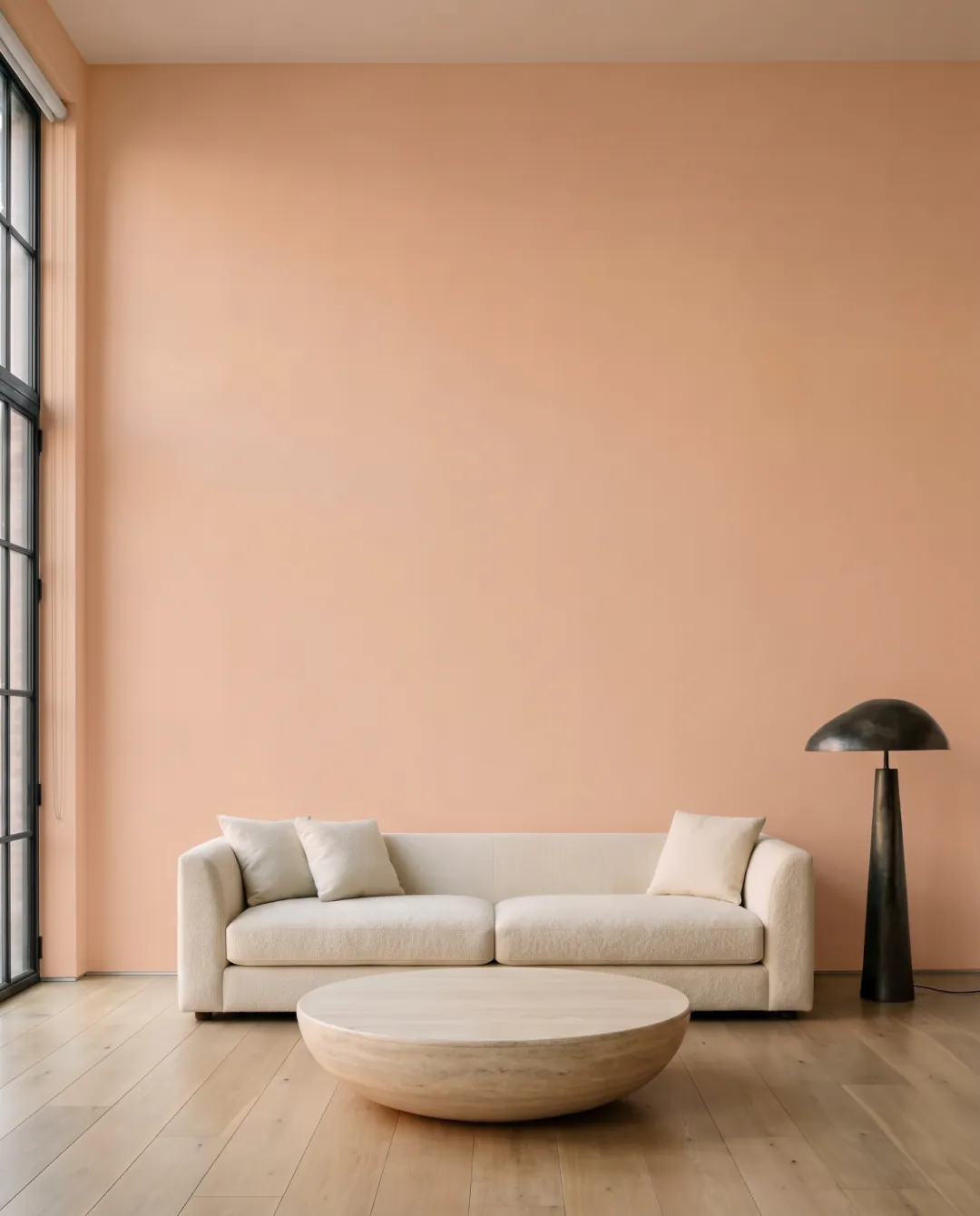
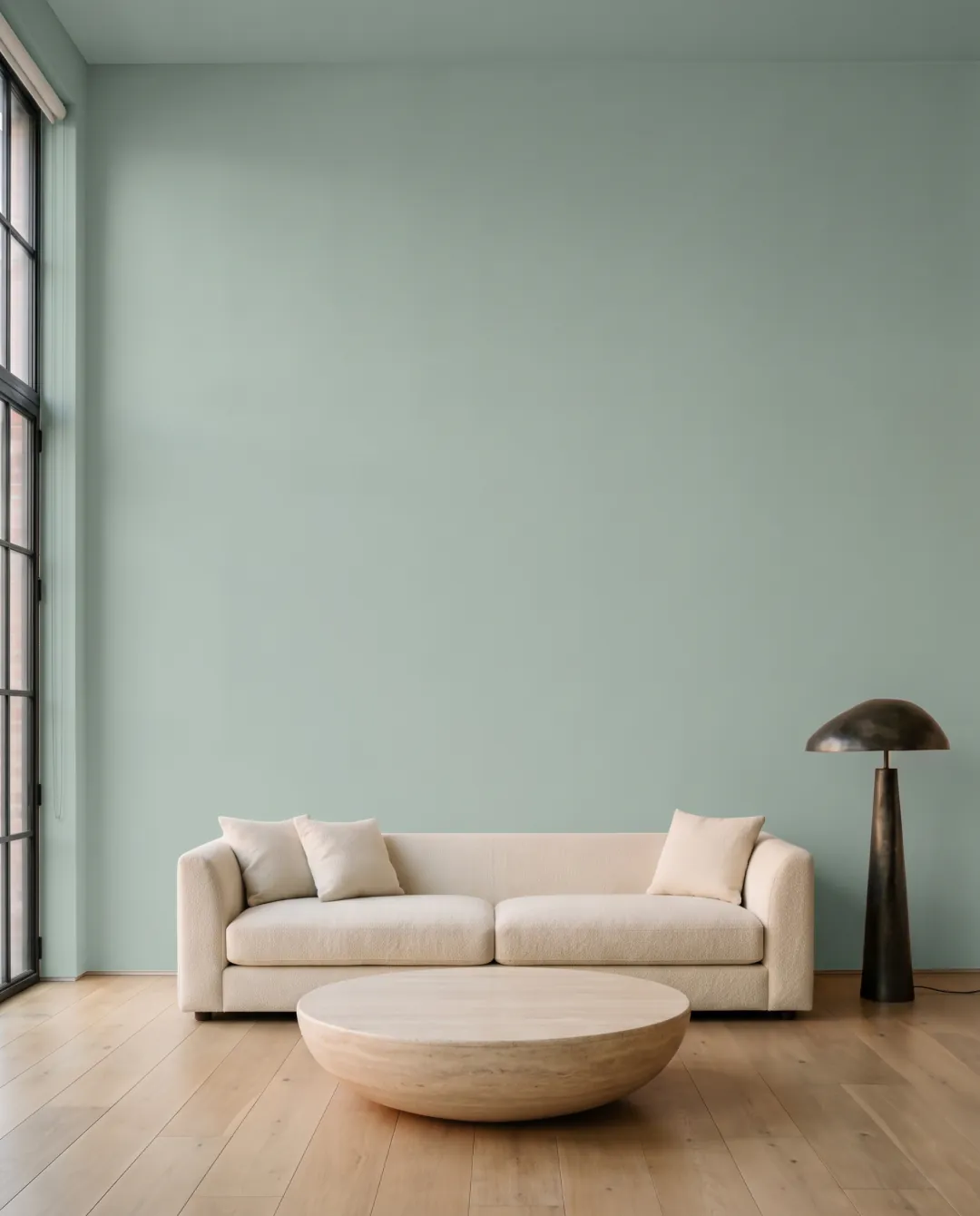
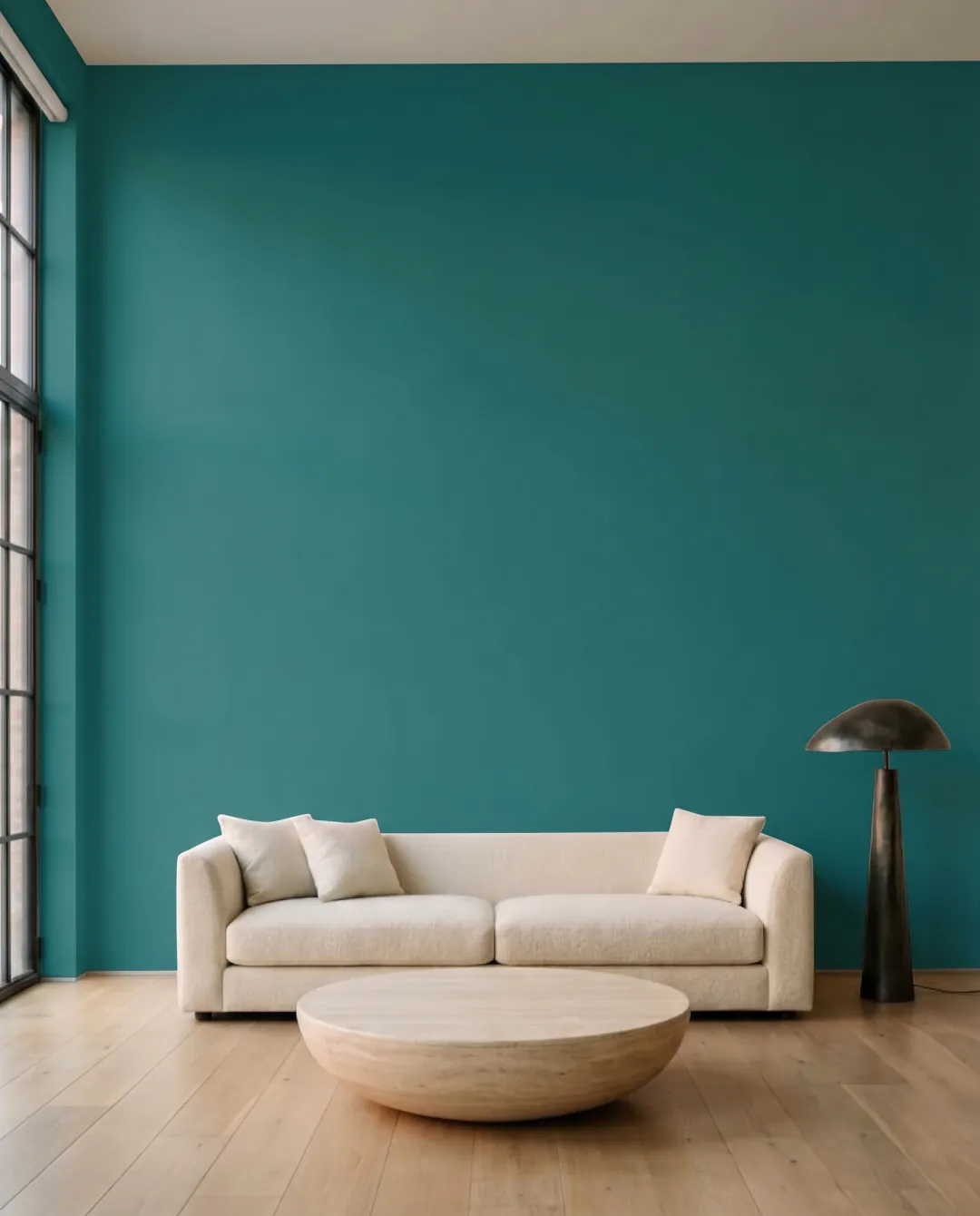
Just the one wall, if you like
Tap a wall and only that wall changes. Good for working out whether the alcove should be darker.
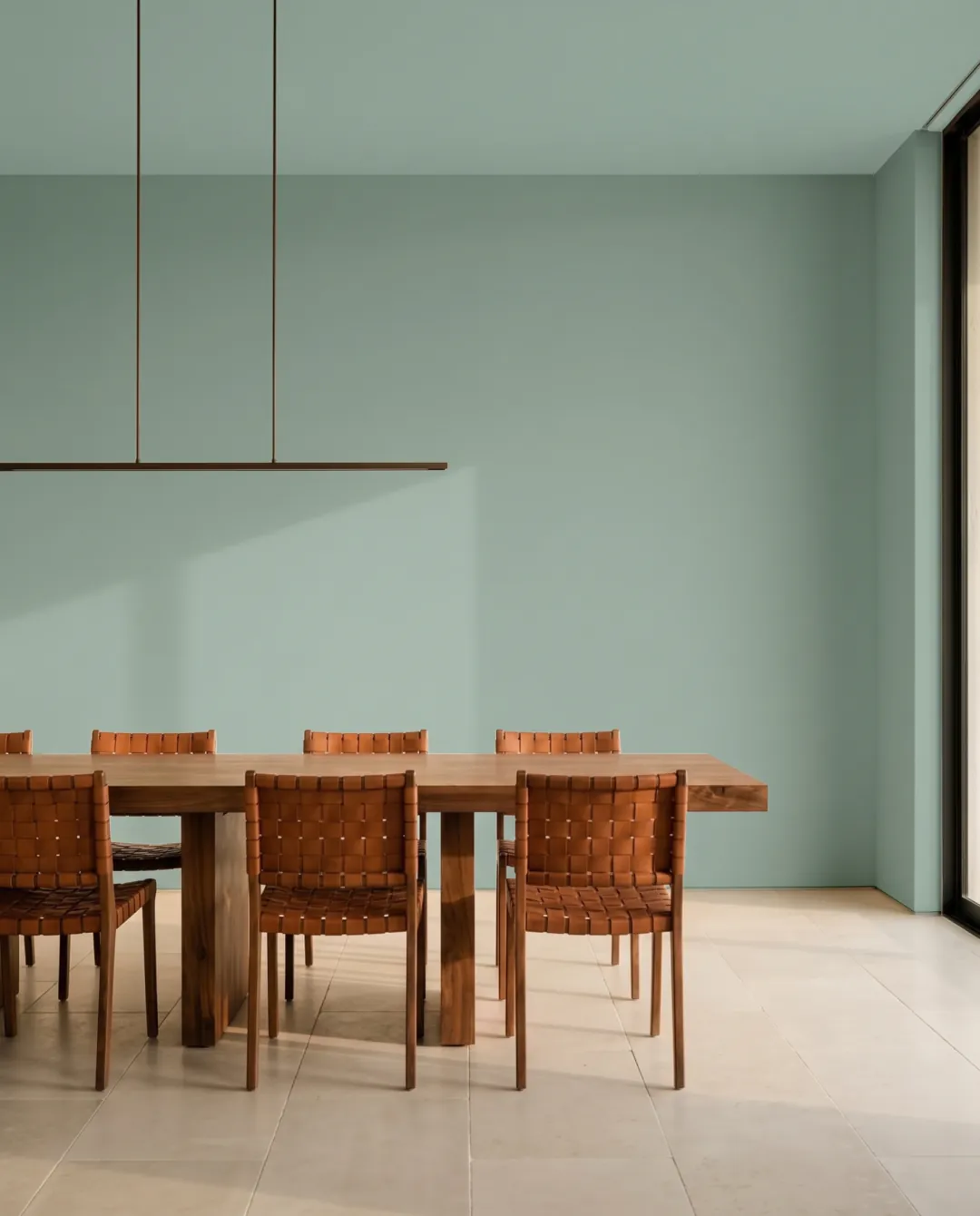
A color you can actually buy
51,362 colors from 34 manufacturers plus RAL Classic. Each one carries the code your store mixes from. Sherwin-Williams is the exception for now: names and hex, no codes yet.
The LRV, which decides a lot
It tells you how much light a color gives back. In a dim room it matters more than the name does.
A color off any photo
Saw it on Pinterest? Drop the picture in. Muro finds the closest shades that exist as real products.
Try the colors on your own wall before you buy paint.
Try it in your browserStill buy one sample
A screen is not a painted wall. Light changes through the day. Matt and satin read differently. No screen shows every pigment. Muro is how you get from forty colors down to one or two without painting anything. Then buy that one sample and put it on the wall. That last step still belongs on the wall.
Questions before you download
Is it free?
No. Muro is a subscription: weekly, monthly or yearly. You choose a plan after creating an account, before your first photo.
The wall is still there on Saturday
Spend ten minutes now and you’ll know which can to buy.