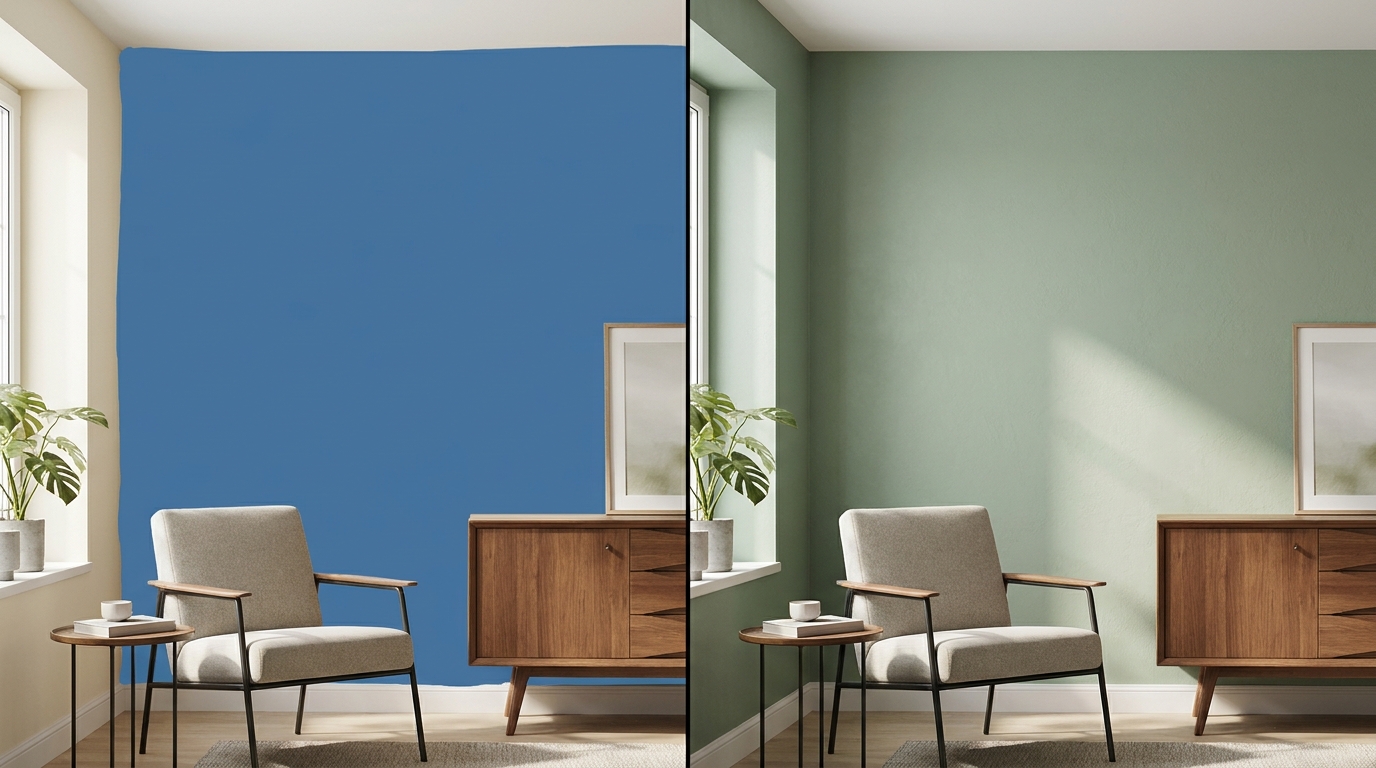
Short answer: if you already know which brand you're buying, the free app from that brand is probably enough. Paying starts to make sense when you're comparing colors from different brands, or want to see how a color behaves in your room's light before you commit.
I get the hesitation. Why pay when free apps exist? Fair question, so here's my honest take. One thing up front: I built Muro, a paid app, so I'm not neutral. I've tested Muro myself. I haven't tested the other apps mentioned here, so what I say about them comes from their App Store listings and websites, checked on September 28, 2026.
What free apps give you
Most big paint brands have a free app or web tool. A few examples:
- Sherwin-Williams Color Expert (formerly ColorSnap), Sherwin-Williams colors only.
- Benjamin Moore Color Portfolio, 3,500+ Benjamin Moore colors, with a photo visualizer and a live AR camera mode.
- Dulux Visualiser (UK), 1,200+ Dulux colors in augmented reality, and you can order testers from the app.
- Behr no longer has an app in the US App Store. Its color tools now live on behr.com.
They're free, they're made by the company that mixes the paint, and they're good for browsing a brand's full collection. The one thing none of them does is show you another brand's colors. That's the point of them: each one exists to help you choose that brand's paint.
What paid apps give you
Paid apps are usually independent, so they're not tied to one brand. They charge in different ways. Repaint sells credit packs and a Pro plan and covers eight US brands, interiors and exteriors. Paint Color Visualizer gives you one free visualization and then sells packs. Muro, which I built, is a subscription.
Here's what you get with Muro specifically:
- 51,362 colors from 34 brands plus RAL Classic, US and European, in one catalog. You can put Sherwin-Williams next to Benjamin Moore, Farrow & Ball or Caparol on the same photo of the same wall.
- Your room's light stays. Muro repaints the walls in your photo and keeps the light, shadows and furniture as they are.
- Time of day. See the same color by day, at sunset and at night, with the lamps on or off.
- Up to 12 colors on one wall at once, and different colors on different walls.
- Closest match in each brand for a color you found in a photo.
- Standard, HD or Ultra (4K) results.
And what it costs you: a subscription (weekly, monthly or annual) with a monthly allowance of color changes, no free trial, iPhone and iPad only, interior walls only.
The money side
Here's a rough way to think about it. Every sample pot you buy and every color you try on the wall costs money and time, and painting a room in the wrong color and doing it again costs a lot more: more paint, plus a weekend.
No app removes the need for a real sample. What a visualizer can do is get you from a dozen candidates to two before you buy any sample pots, and help you avoid the "it looked different on the chip" moment. Whether that's worth a subscription depends on how unsure you are and how many rooms you're doing.
When free is genuinely enough
- You've already chosen the brand and just want to see a few of its colors on your wall
- You're browsing color families, not making a decision yet
- You already know the exact color and just need its code
- Your budget is zero and you're happy to rely on sample pots
When paying makes sense
- You're torn between colors from different brands
- You buy paint in Europe and want local brands next to the US ones
- You have a long shortlist and want to see many colors on one wall at once
- Your room's light changes a lot through the day and you want to see the color at night too
- You're painting several rooms
Bottom line
Free brand apps are good catalogs for one brand, and if you're loyal to that brand, they may be all you need. Paid apps earn their price when you're comparing across brands or want to see more of how a color will actually live in your room.
My suggestion: explore in the free apps, narrow things down in a multi-brand app if you're comparing brands, and then paint a real sample on the wall and look at it morning and evening before you buy the full amount.